

Description
The Task Management Spreadsheet is a ready-to-use Google Sheets and Excel template. It is an instant digital download with pre-built formulas, an automated dashboard and step-by-step instructions, so you can start using it in minutes.
About this template
- Instant access after purchase, no waiting
- Works on Google Sheets and Excel, no software needed
- Mobile friendly, use it on your phone too
- Stuck? Message me, I reply personally within a few hours
- Free updates: if I improve this template, you get the new version free
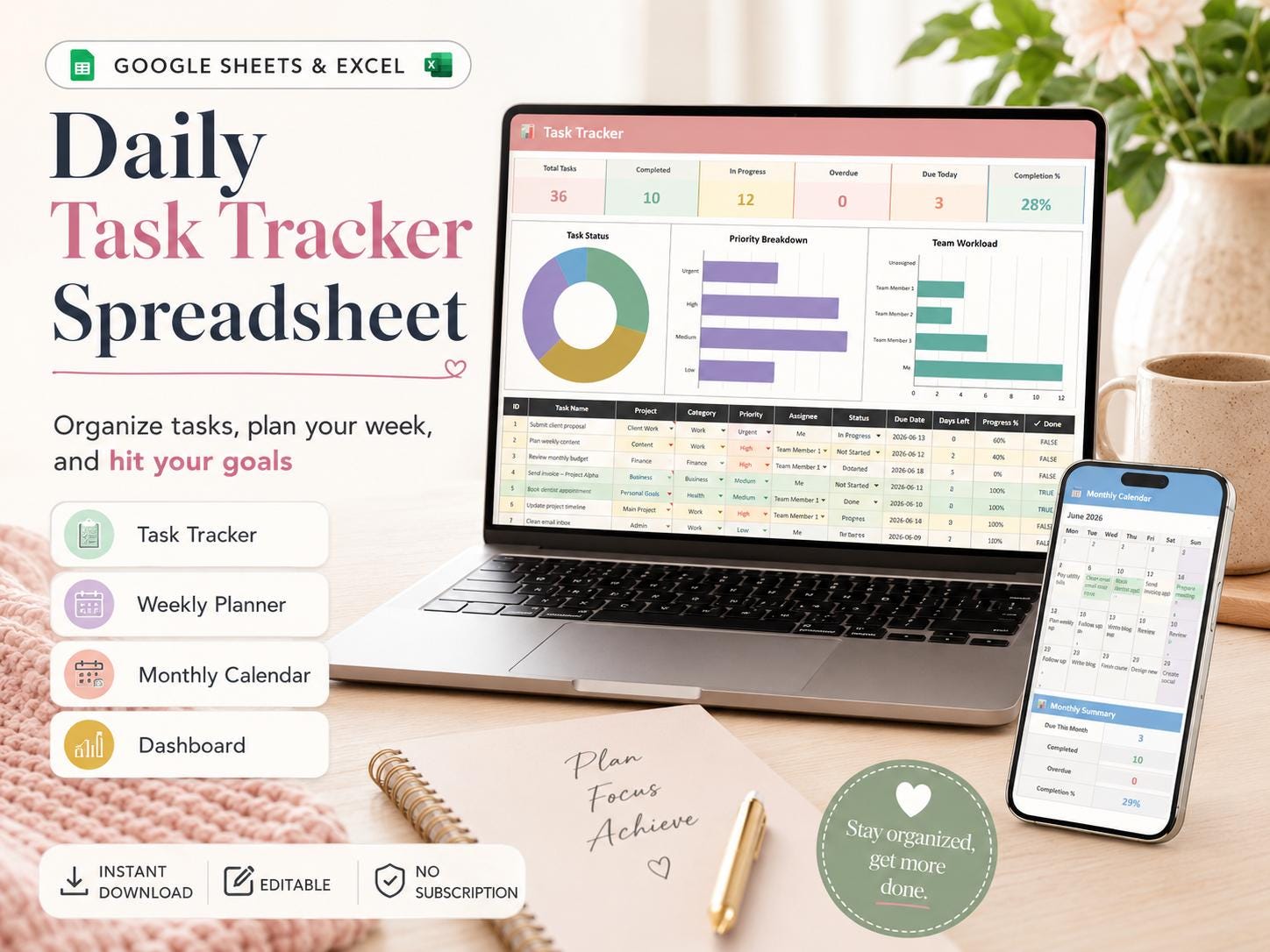
Daily Task Tracker Spreadsheet for Google Sheets & Excel: Organize Your Tasks, Plan Your Week, and Hit Your Goals Without the Stress of Sticky Notes and Half-Forgotten Lists.
Stop juggling scattered to-do lists, missed deadlines, and tasks living in five different apps. This Task Tracker Spreadsheet brings every task, deadline, and goal into one clean, automated workspace so you always know what to do next.
Works in both Google Sheets and Microsoft Excel, no apps to download, no subscriptions, no complicated setup.
Perfect for individuals who want to
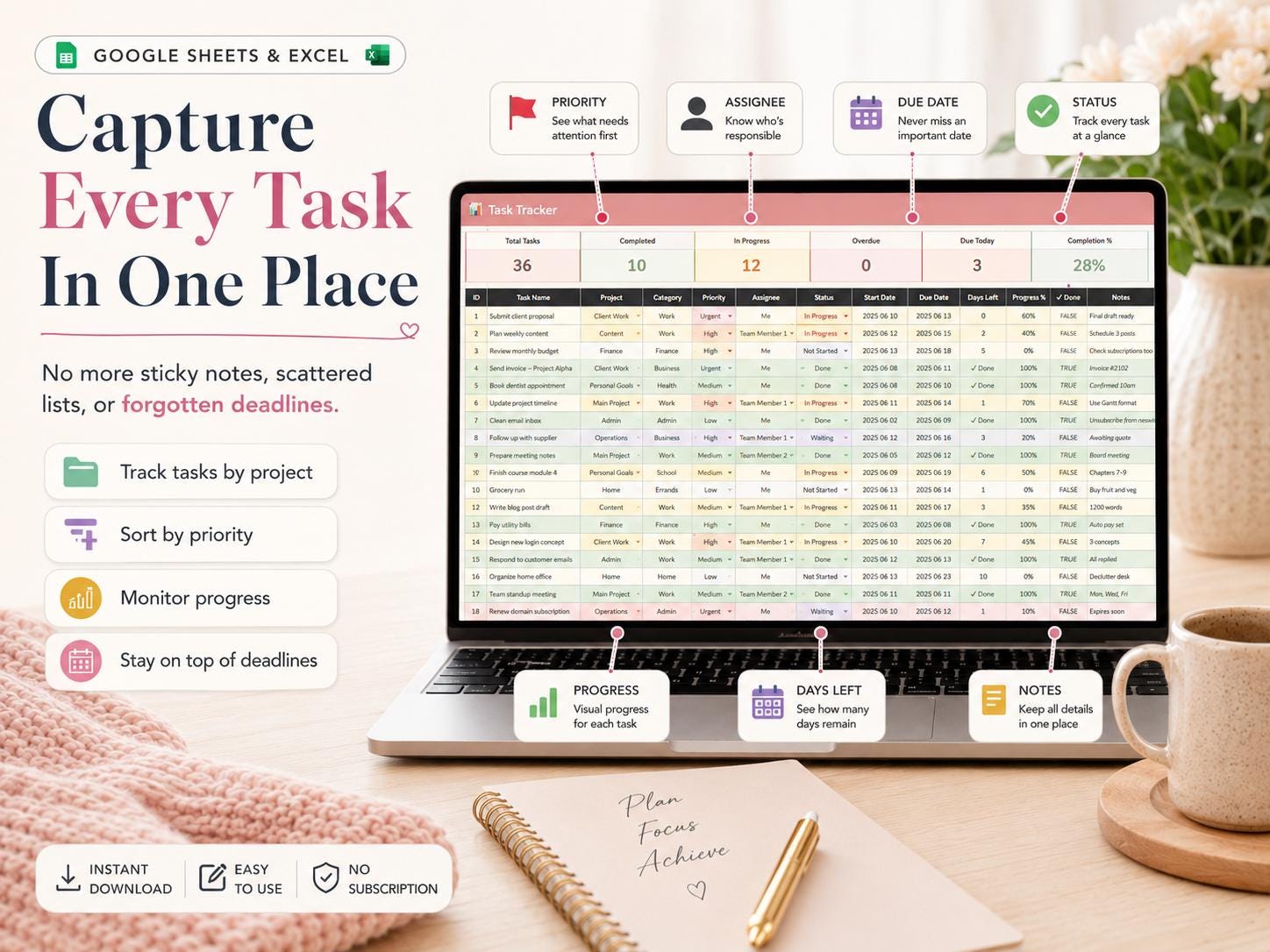
- Capture every task in one place instead of across phone notes, Post-its, and email
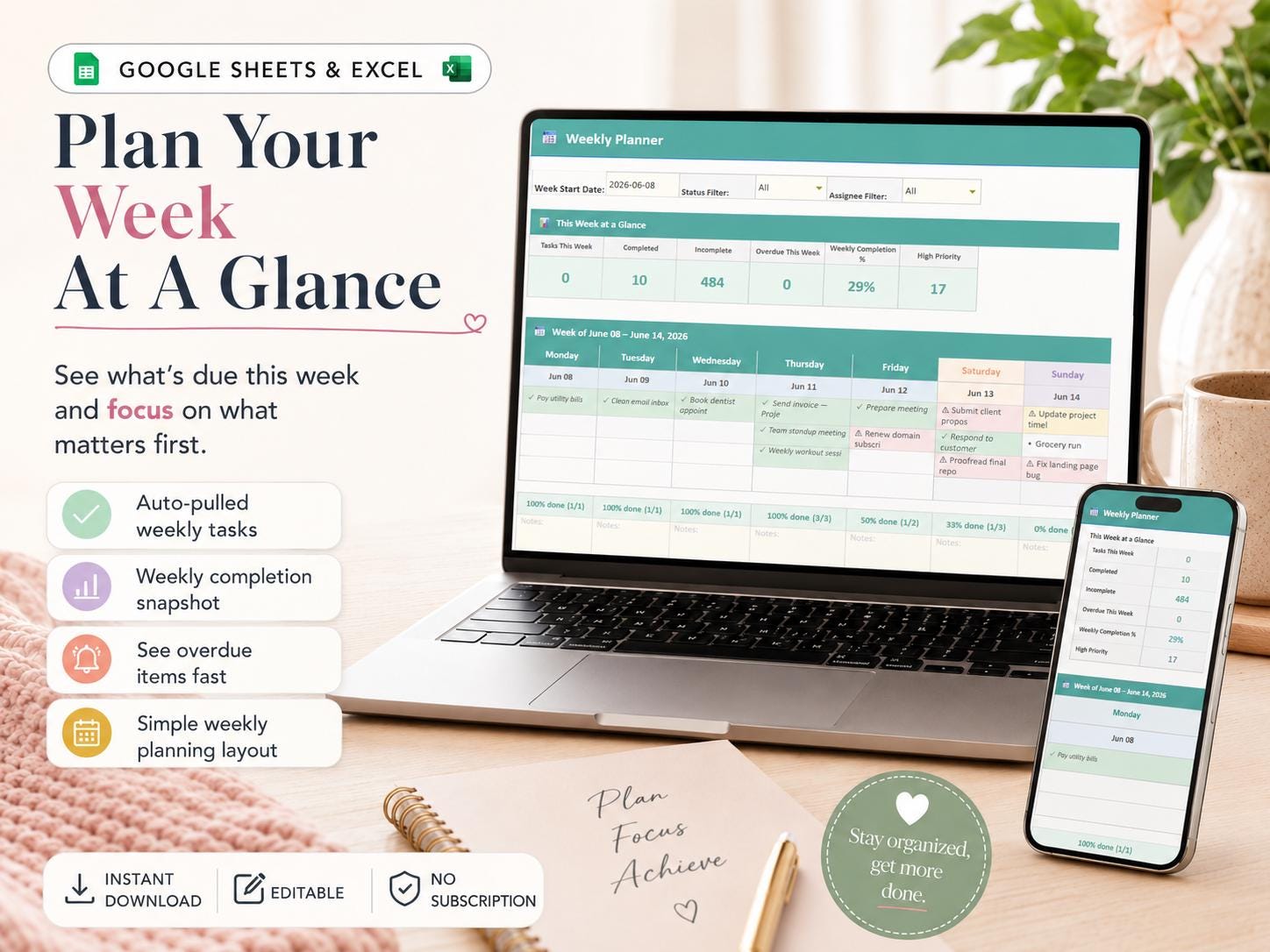
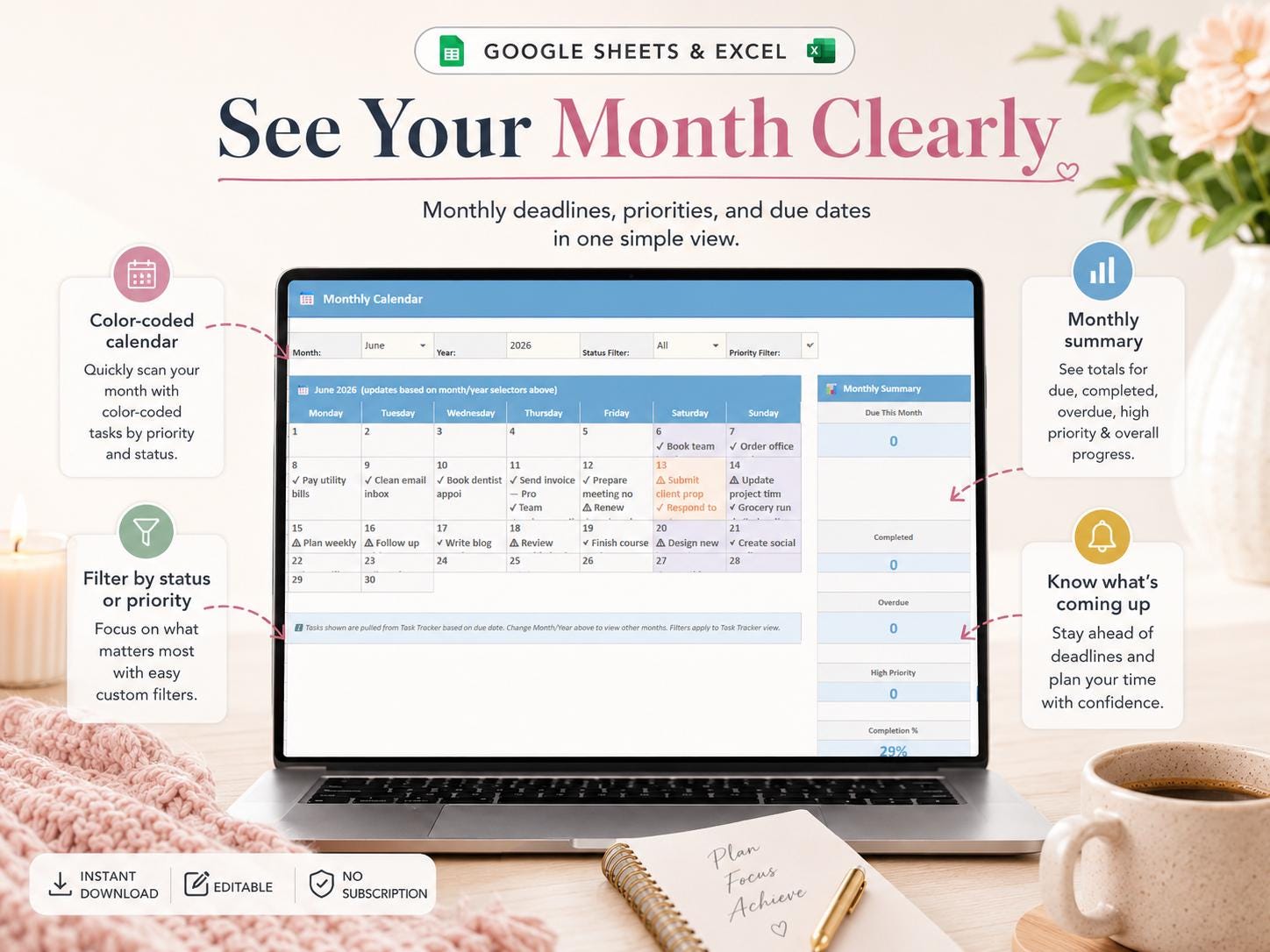
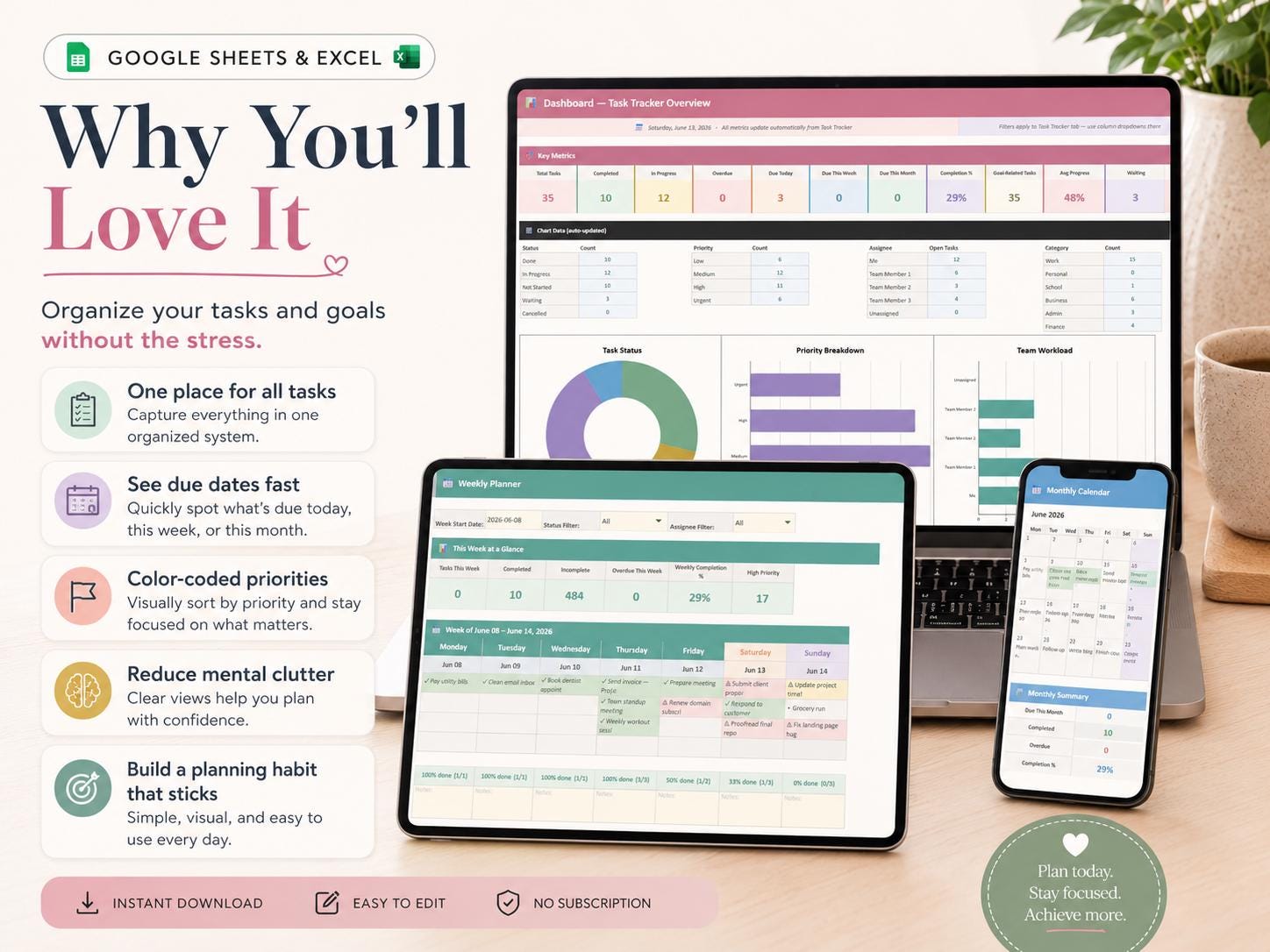
- See exactly what's due today, this week, and this month at a glance
- Track personal goals alongside daily tasks so the small stuff doesn't drown out the important stuff
- Stop missing deadlines because tasks got lost in the shuffle
- Build a daily planning habit that actually sticks
What's included
- Task Tracker (main database): log every task with priority, category, deadline, status, and progress notes
- Weekly Planner: plan your week at a glance with auto-pulled tasks from your tracker
- Monthly Calendar: see deadlines and priorities for the month ahead
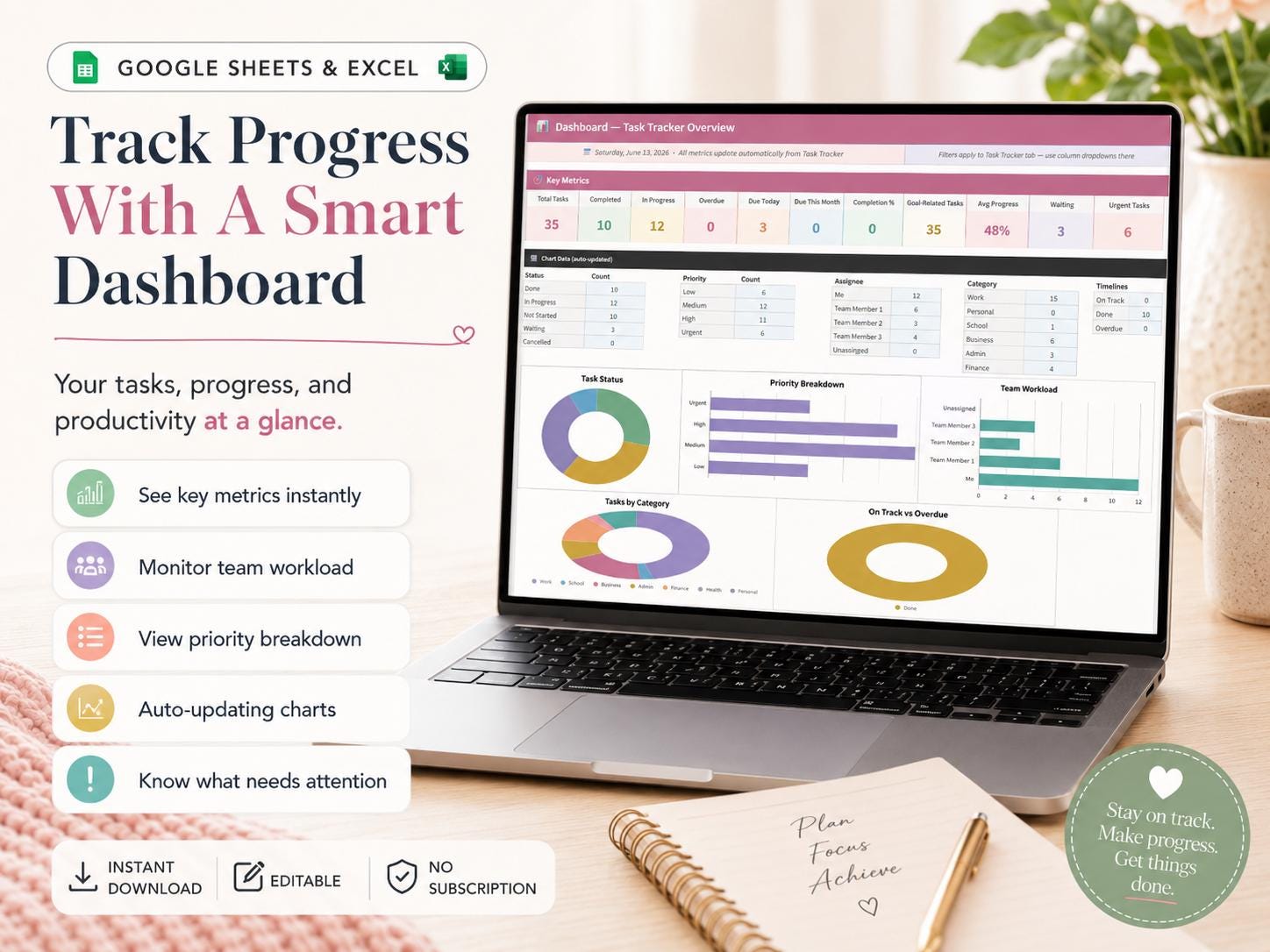
- Productivity Dashboard automatic charts showing tasks completed, overdue tasks, top categories, and weekly progress
- Setup Tab: Customize your own categories, priorities, and statuses to match how you work
- Instructions & FAQ built-in guide so you can start using it in under 2 minutes
- Goal Tracker: set monthly and yearly goals and track them alongside your daily tasks
- Recurring Task Support set up tasks that repeat daily, weekly, or monthly without retyping
- Sample Data Included: see how it works before you start fresh
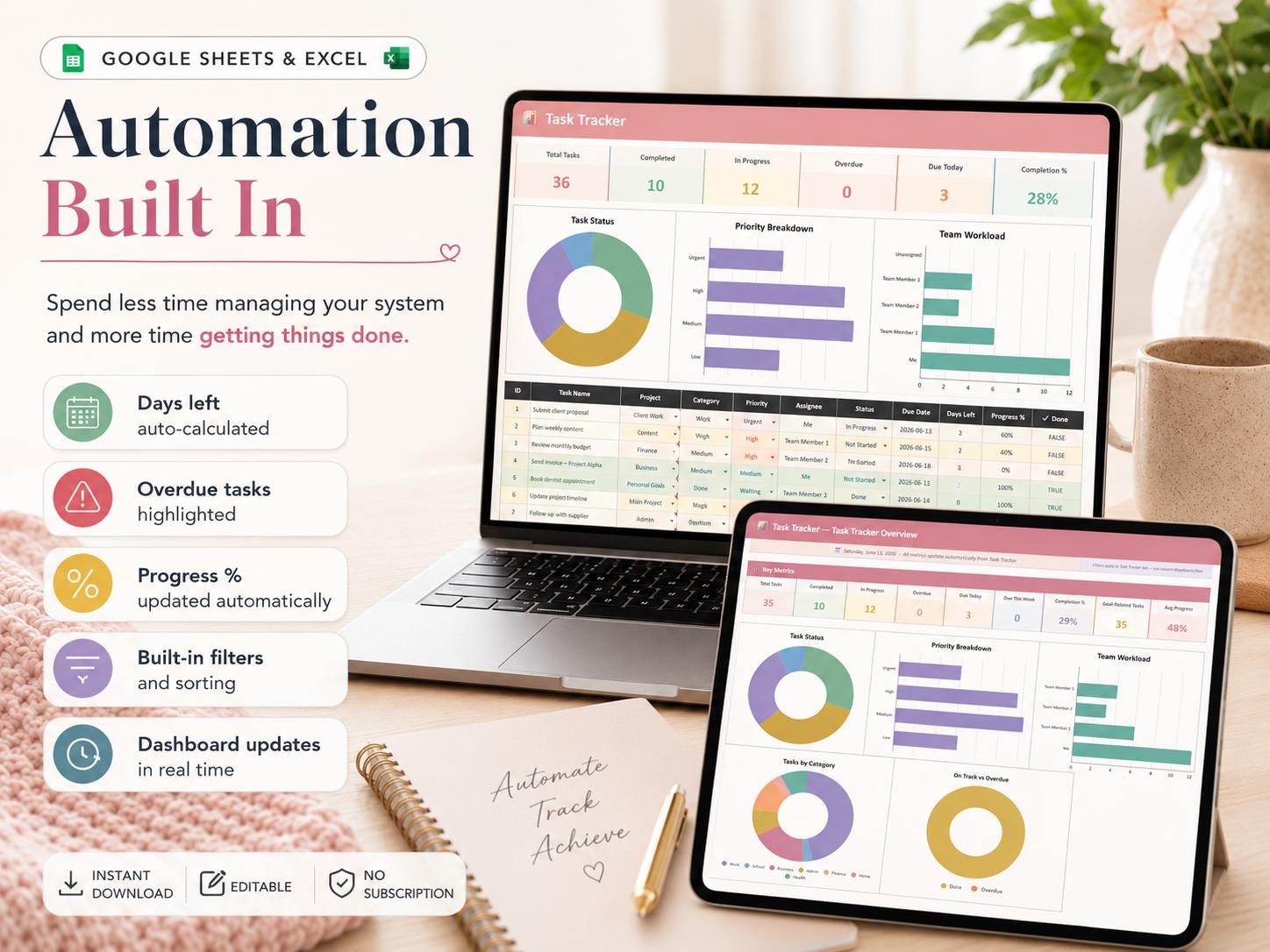
Automation built in
- Days remaining auto-calculated for every task
- Overdue tasks flagged automatically
- Progress percentages update as you complete tasks
- Filters and sorts built in, see only what you need, when you need it
- Dashboard updates in real time as you log tasks
Compatibility
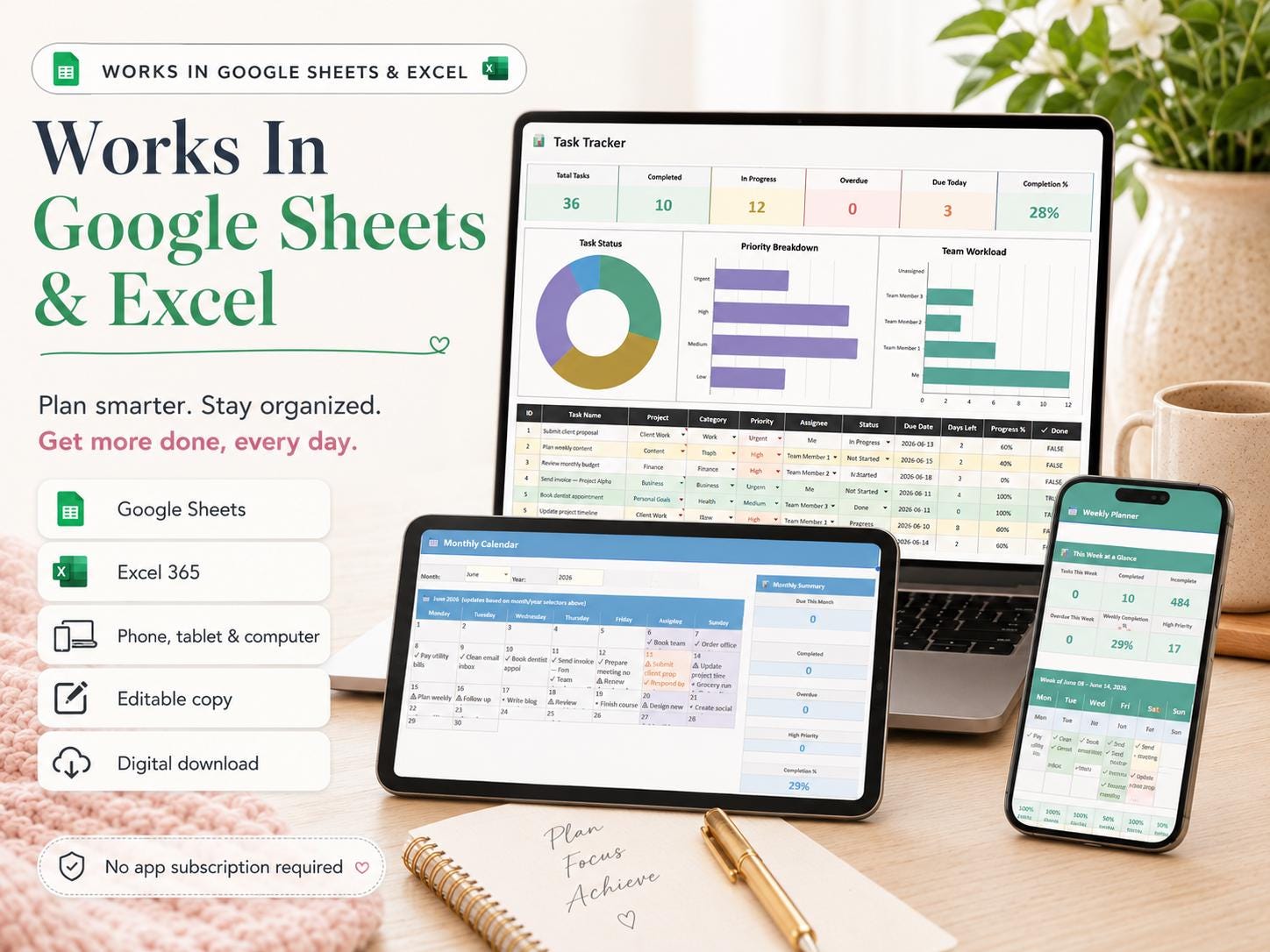
- Works in Google Sheets (free with any Google account)
- Works in Microsoft Excel 365 (.xlsx file included)
- Compatible with iPhone, iPad, and Android via free Sheets/Excel apps
- All formulas, dropdowns, and dashboards are pre-built, just add your tasks
- Fully editable change colors, fonts, categories, and sections to match your style
Why a spreadsheet instead of an app
Apps lock your data, charge subscriptions, and decide how they want you to work. A spreadsheet gives you full control of your data forever, is fully customizable, has no monthly fees, is exportable anytime, and works offline. The clean, modern pastel design makes it pleasant to actually open every day.
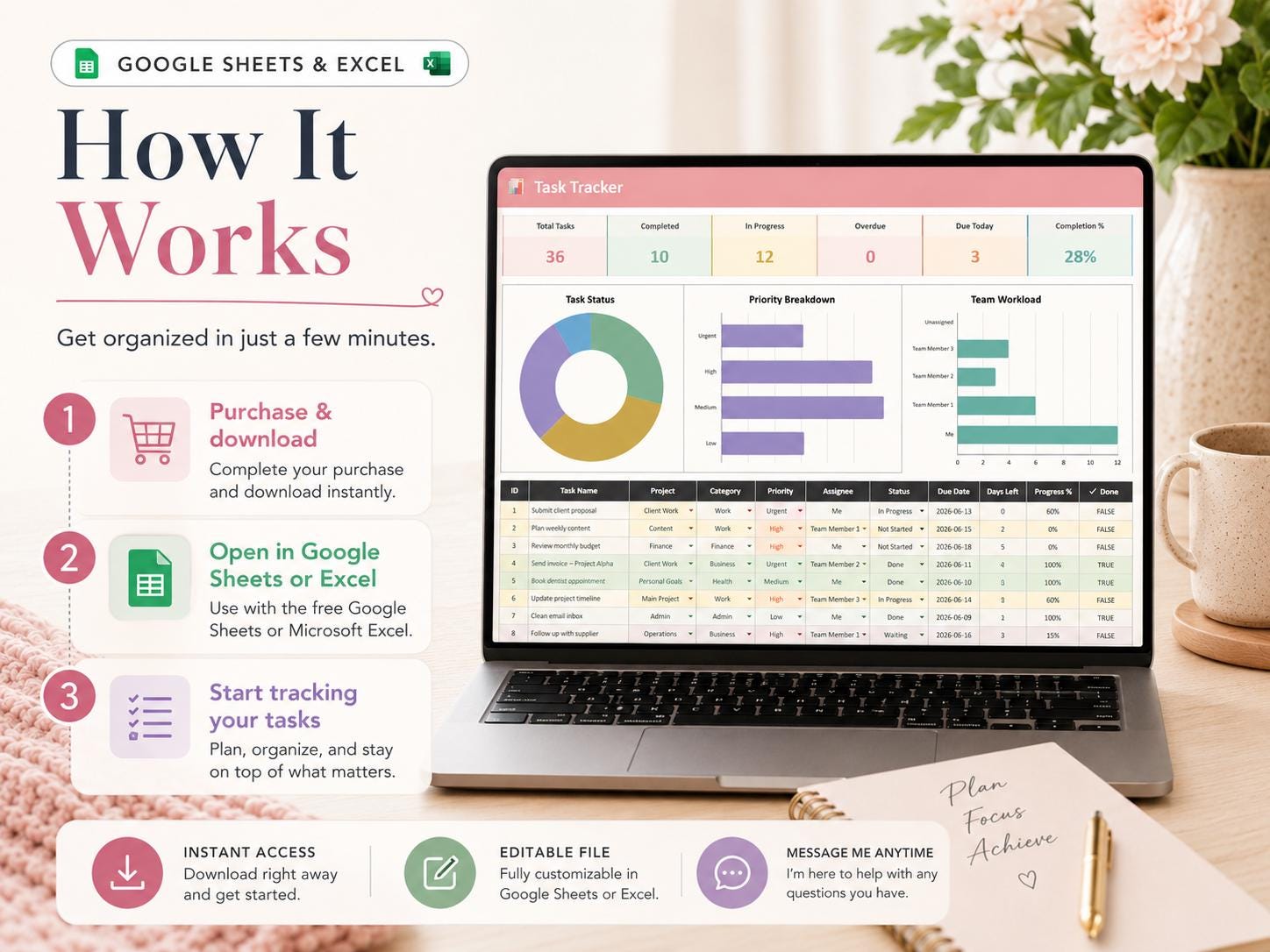
How it works
Instant download, find your file under Your Account → Purchases & Reviews
For Google Sheets: click File → Make a Copy to save your editable version
For Excel: open the .xlsx file and start tracking
Start logging your first task in under 2 minutes. Sample data shows you how
Please note
This is a digital download; nothing will be shipped. All sales are final due to the instant-delivery nature of digital products, but if you have any issues with your file, message me, and I'll make it right.
Colors may vary slightly depending on your screen. Some advanced features require Excel 365 or current Google Sheets; older Excel versions may have limited functionality.
Refund policy
Digital downloads cannot be refunded once accessed. Message the shop immediately with any issue — every problem resolved personally and promptly.
License
For personal use only. Templates may be customized but not resold, redistributed, or shared.
Questions?
I'm a one-person studio, and I personally read every message. If you need help downloading, customizing, or using your tracker, just reach out. I usually reply within a few hours.
What you receive
- Microsoft Excel workbook (.xlsx)
- Google Sheets copy link
- Built-in How to Use instructions
This is a digital download. No physical item will be shipped.


Reviews
There are no reviews yet.