



Description
The Capacity Planner Spreadsheet is a ready-to-use 35-tab Google Sheets and Excel template for resource allocation, workforce planning, team utilization and workload dashboard. It is an instant digital download with pre-built formulas, an automated dashboard and step-by-step instructions, so you can start using it in minutes.
Key features
- Resource Allocation
- Workforce Planning
- Team Utilization and Workload Dashboard
About this template
- *Instant access after purchase — no waiting**
- *Works in Google Sheets & Microsoft Excel — choose your preferred version**
- *Mobile-friendly — view and make quick updates from your phone**
- *Stuck? Message me — I personally reply within a few hours**
- *Free updates — when I improve this template, you receive the updated version free**
PLAN CAPACITY, BALANCE WORKLOADS AND ALLOCATE RESOURCES WITH CONFIDENCE
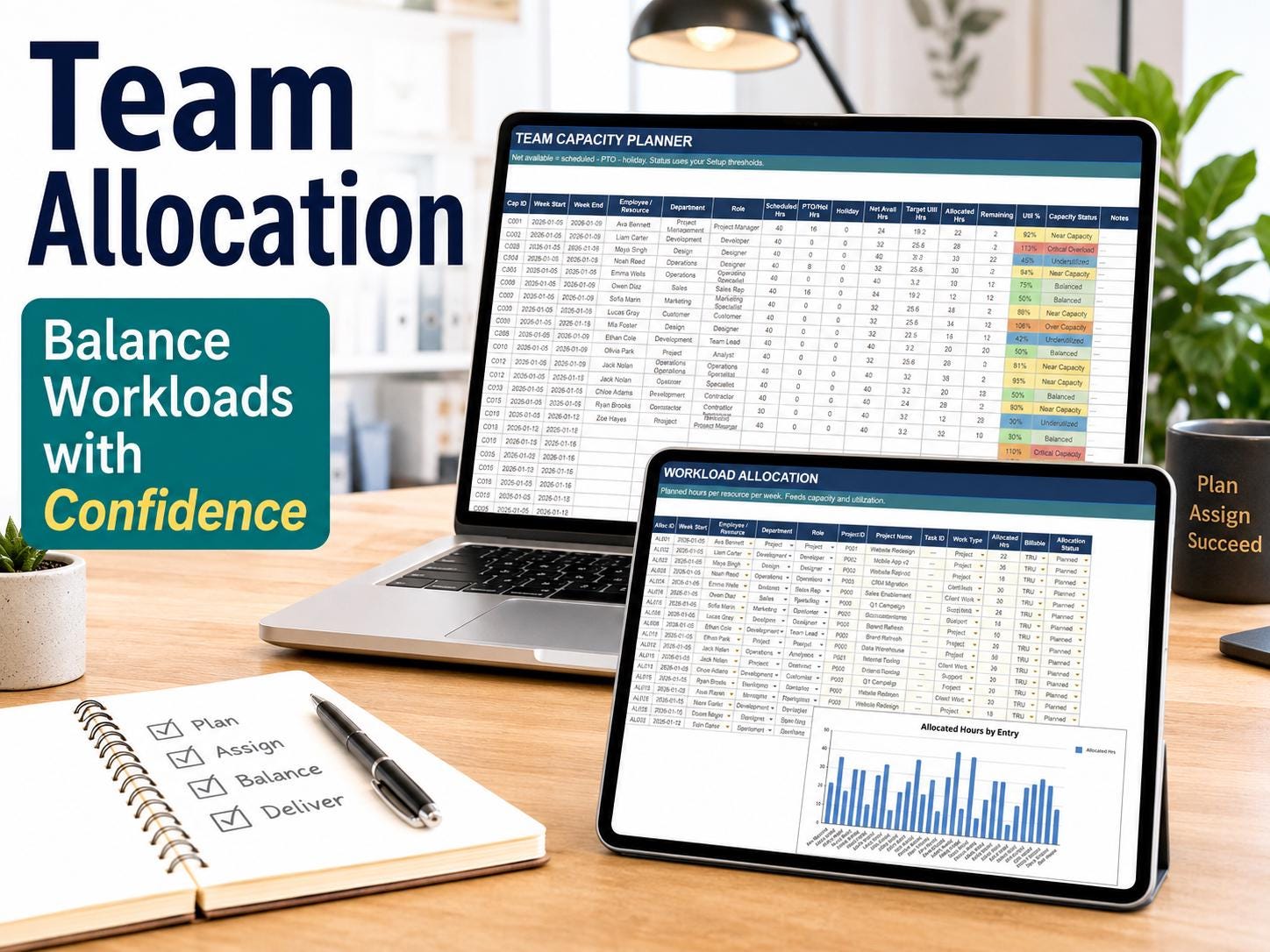
This **Resource Capacity Planner** is a complete 35-tab capacity planning tracker designed to help project managers, team leaders and operations professionals manage resource availability, workload, allocation, utilization, demand and future capacity in one organized system.
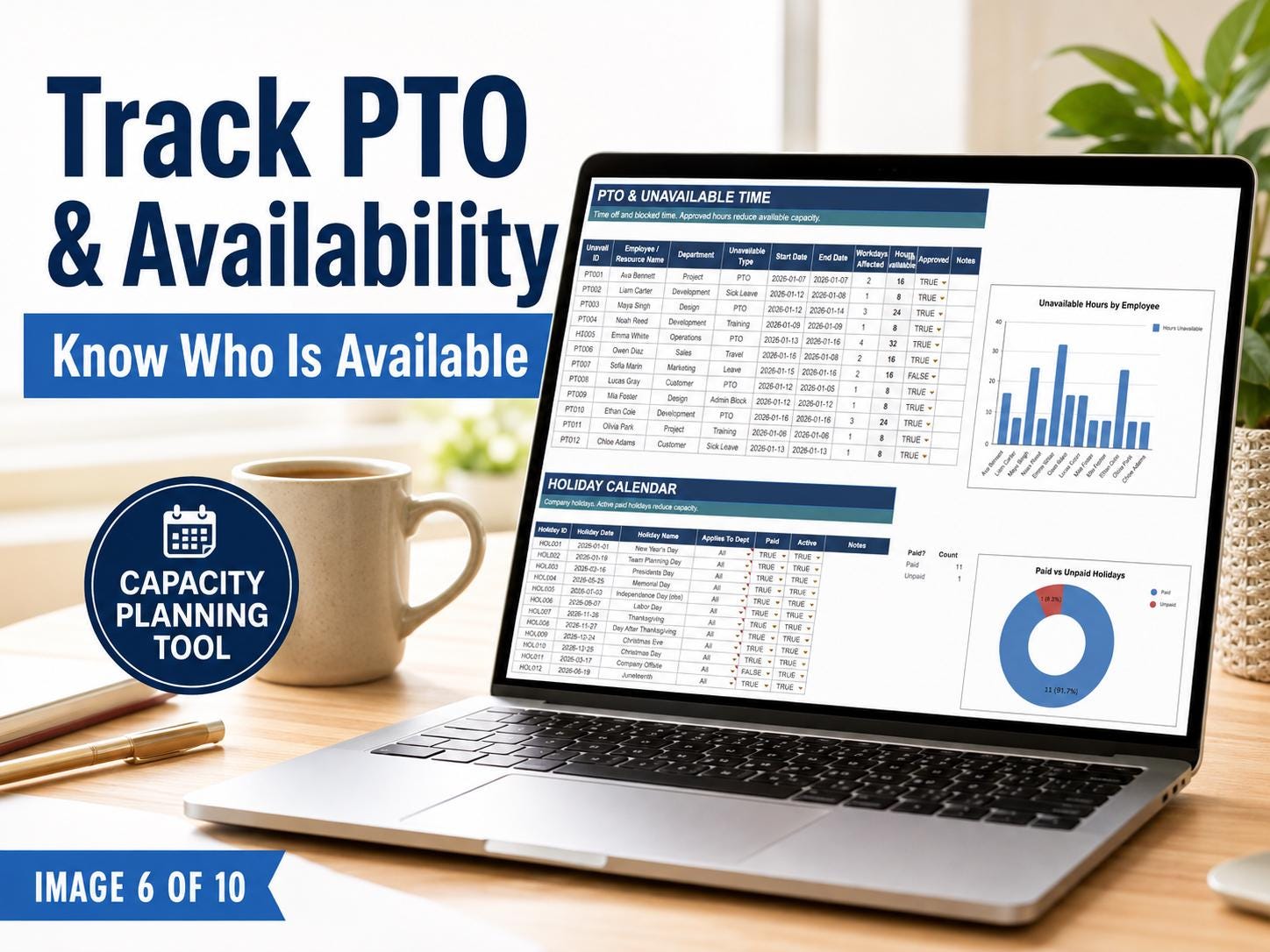
Instead of managing disconnected spreadsheets, use one structured planning tool to understand who is available, where resources are assigned, which teams may be overloaded and what capacity is available for upcoming work.
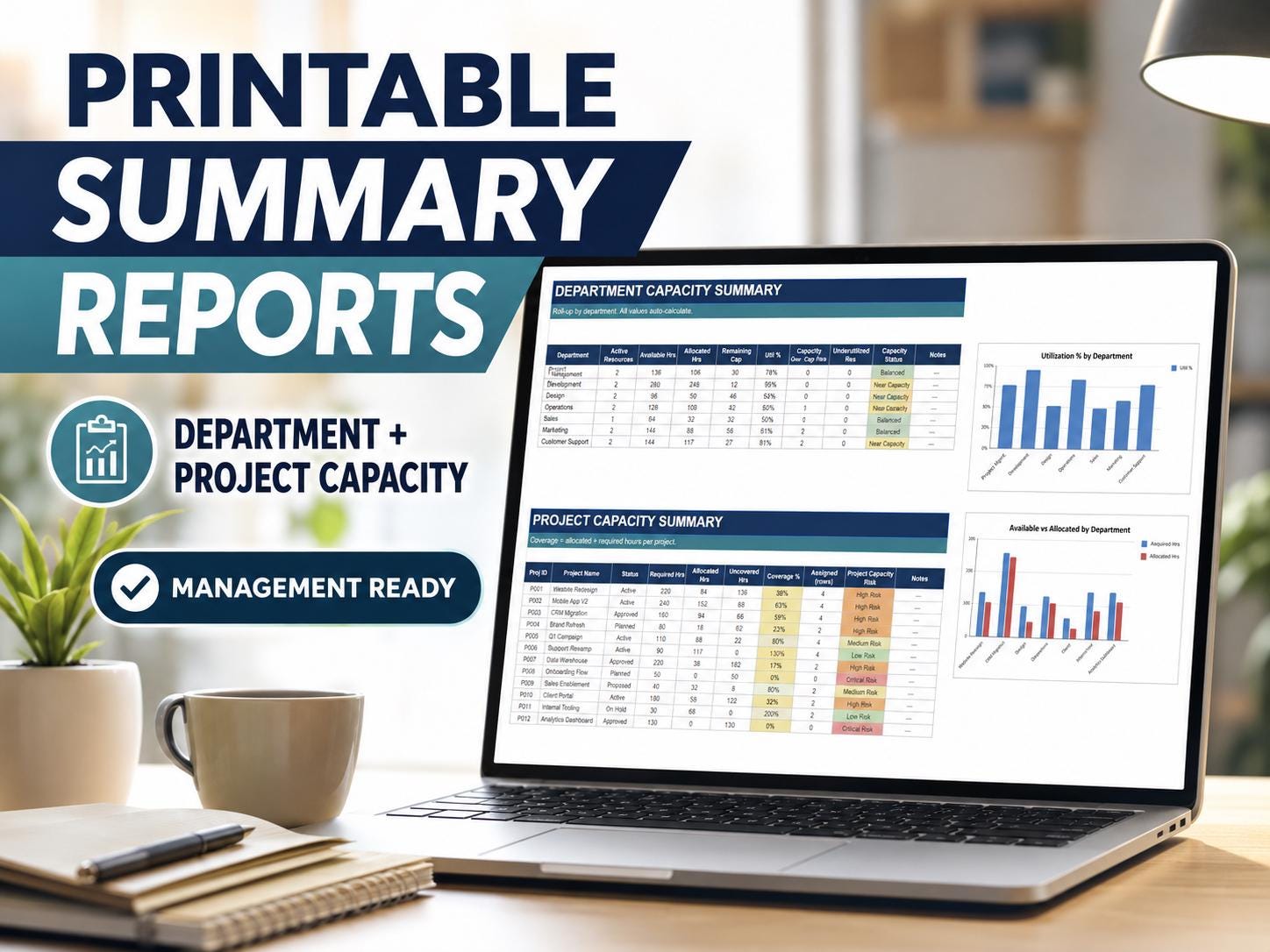
The complete workbook is organized in the intended specification order—from **Start Here and Setup** through the **Dashboard, planners, forecasts, registers, three printable reports and Formula Guide**.
What is included?
You receive a complete **35-tab capacity and resource planning system**, including:
- Start Here and guided setup sections
- Central capacity planning dashboard
- Resource and workforce planning tools
- Team capacity planners
- Sprint capacity planning tools
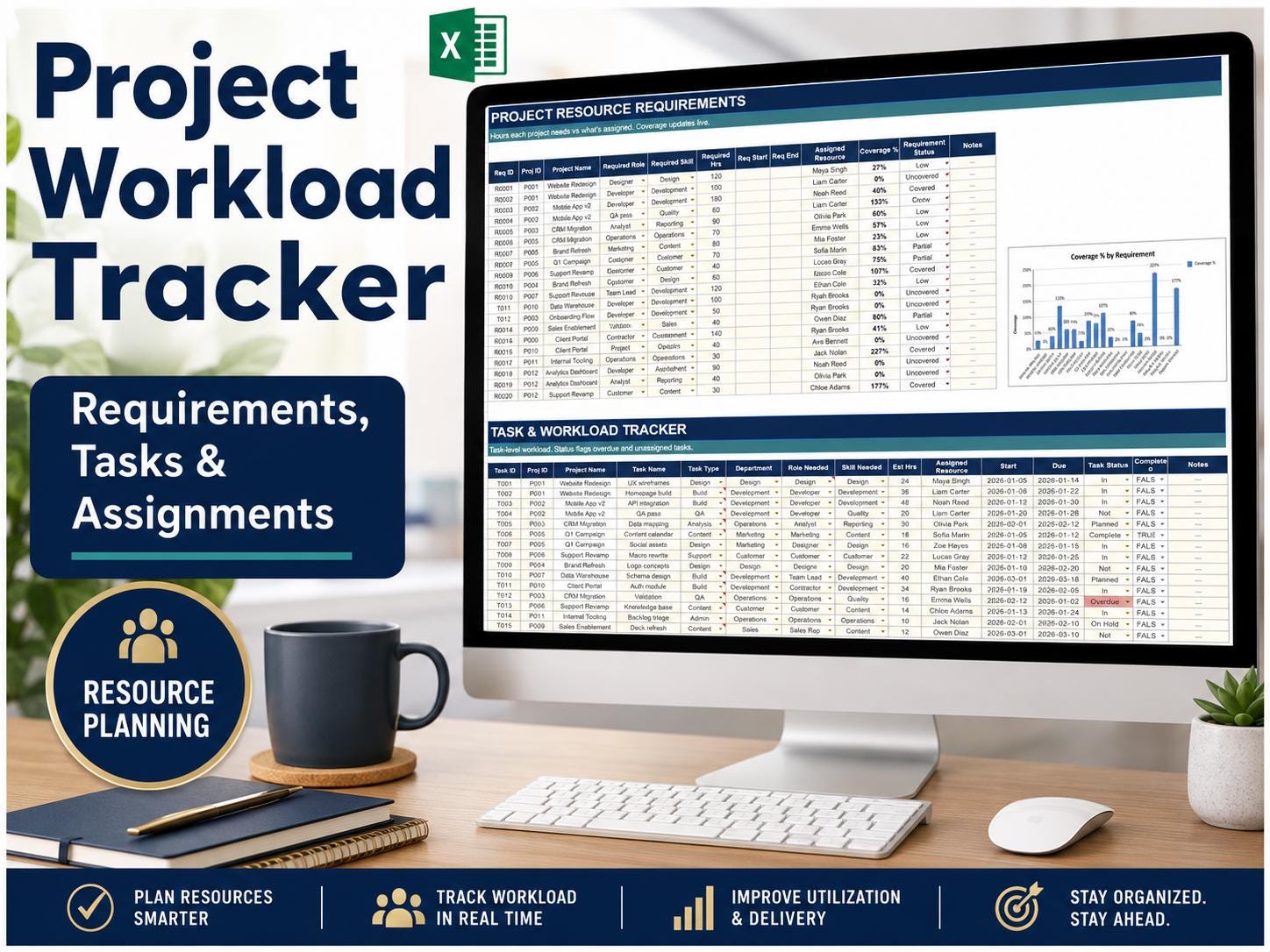
- Resource allocation and workload trackers
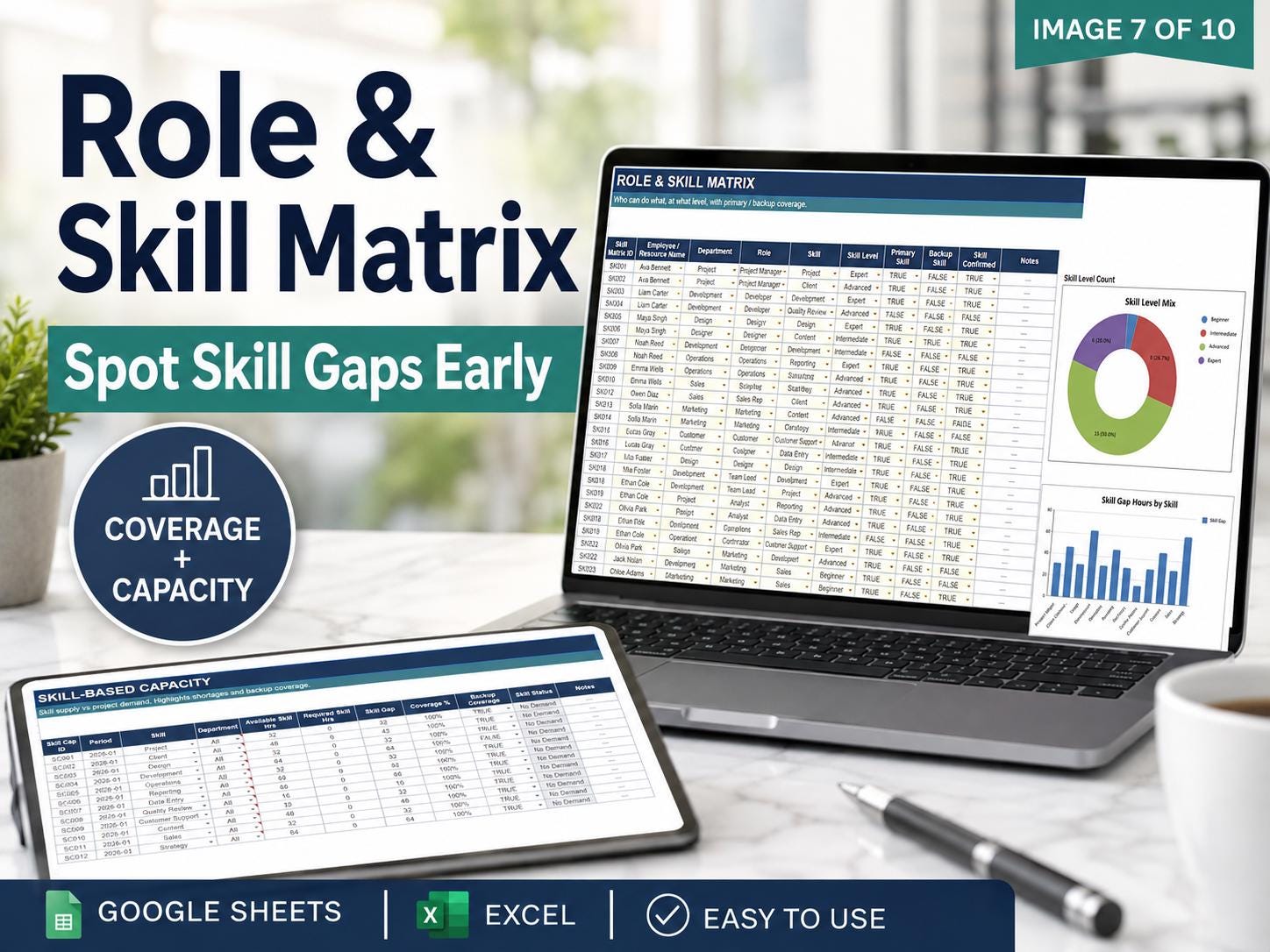
- Resource matrix
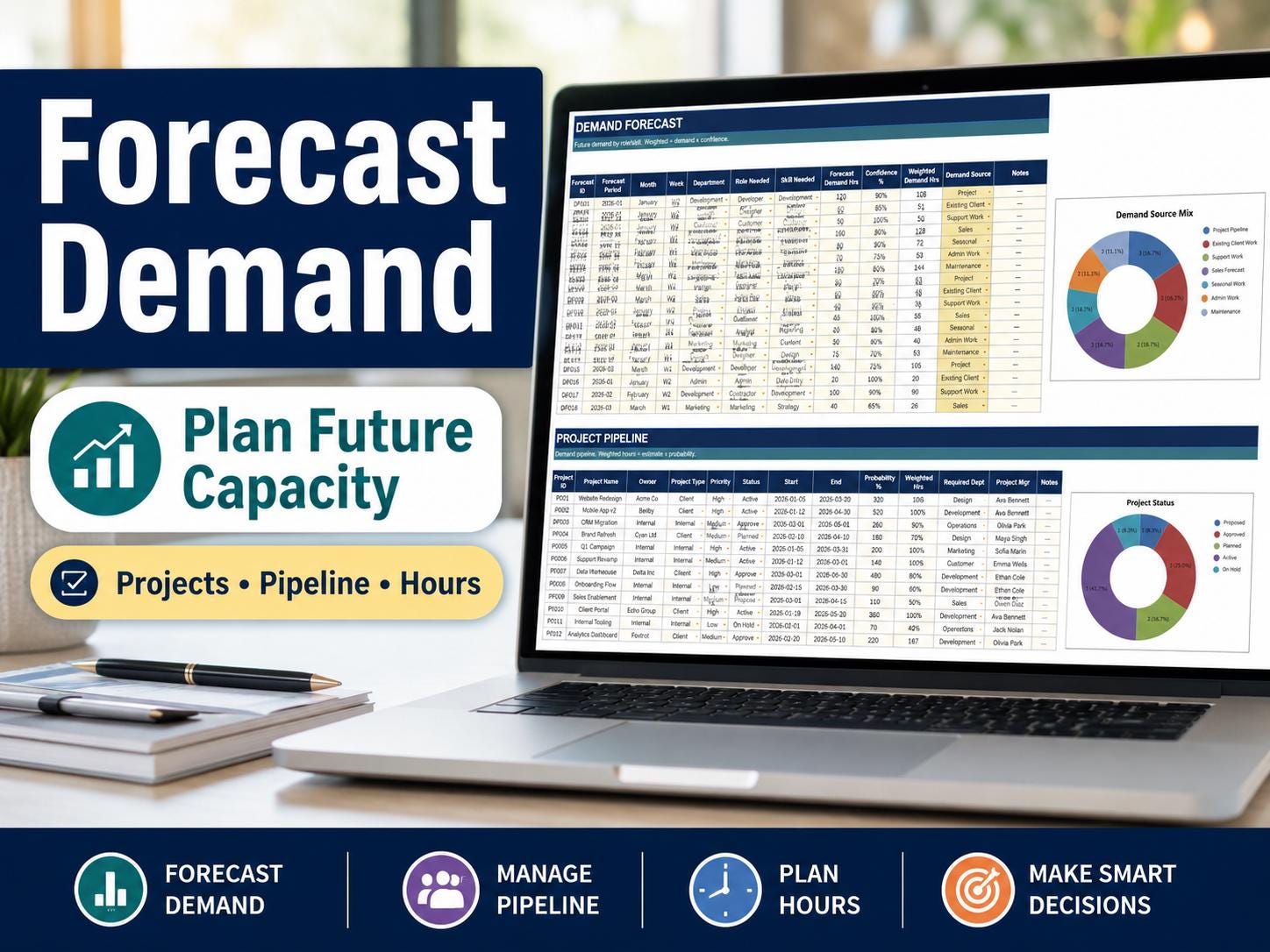
- Availability and demand planning
- Utilization tracking
- Capacity and workload forecasts
- Project and resource registers
- Planning and forecasting worksheets
- Three printer-friendly reports
- Formula Guide for easier customization
- Google Sheets version
- Microsoft Excel version
All 35 tabs are arranged in a logical workflow so you can move from initial setup and data entry to planning, forecasting, dashboard analysis and printable reporting.
What can this template help you do?
Use the planner to
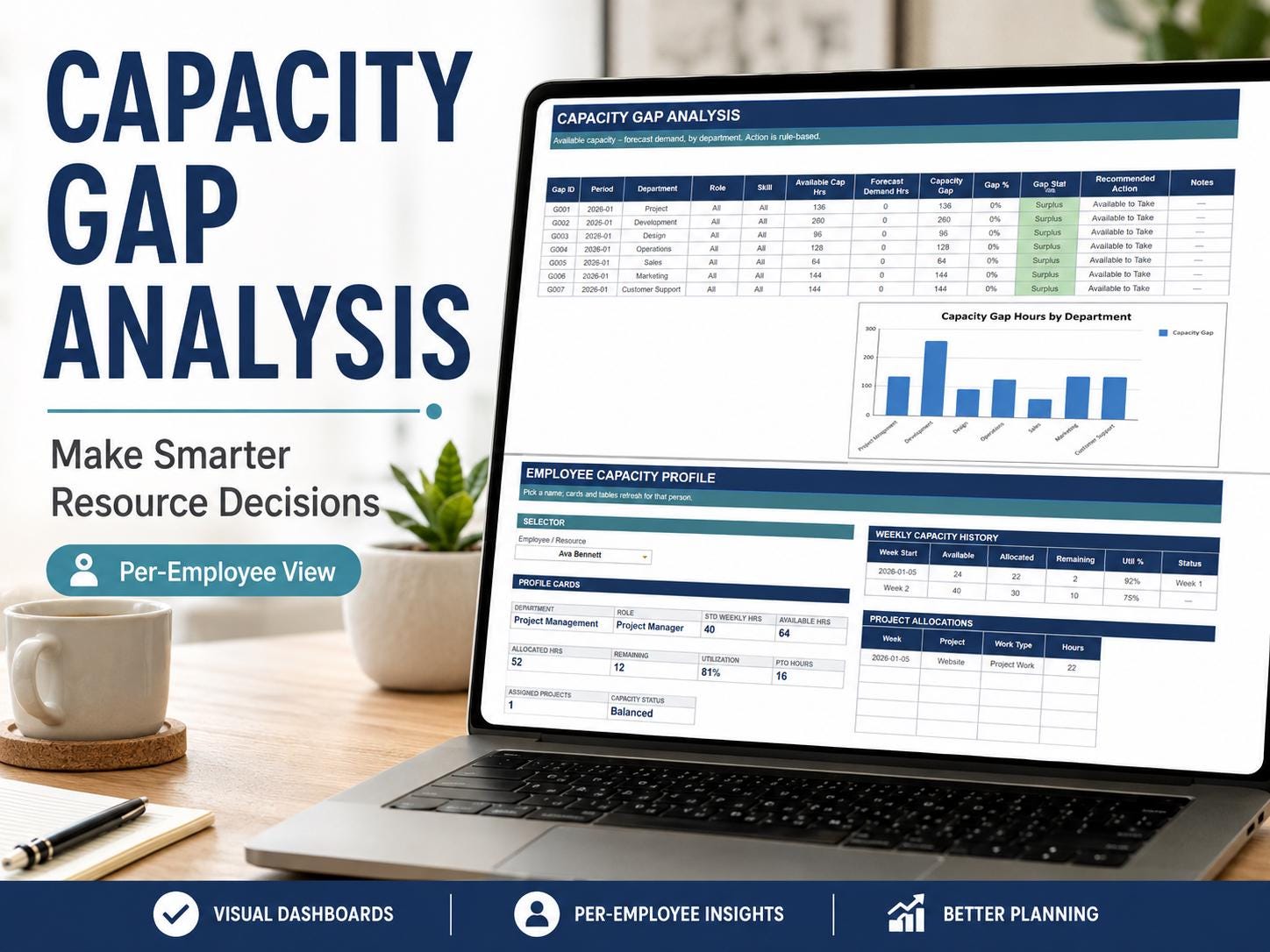
- Compare available capacity with planned demand
- Assign employees or contractors to projects
- Identify overloaded and underutilized resources
- Review team workload and utilization
- Plan staffing for projects and sprints
- Forecast future resource requirements
- Track assignments across multiple initiatives
- Maintain organized project and resource registers
- Create clear reports for meetings and management reviews
- Make faster, more informed resource decisions
Designed for
This capacity planning spreadsheet is ideal for
- Project managers
- Program managers
- PMO teams
- Resource managers
- Operations managers
- Scrum masters
- Agile teams
- Team leaders
- Department managers
- Consultants and agencies
- Workforce planners
- Small businesses and growing organizations
How it works
- Read the Start Here instructions.
- Complete the setup and supporting registers.
- Enter your resources, availability, projects and workload information.
- Use the planners to allocate capacity and forecast demand.
- Review results through the dashboard and printable reports.
The spreadsheet automatically updates applicable calculations and summaries as information is entered into the designated input areas.
Editable and easy to use
- Add your own employees, departments and projects
- Customize editable text and input fields
- Adjust planning information as your needs change
- Duplicate or reuse the template for future planning periods
- Use digitally or export relevant reports to PDF
- Formula cells are protected to help prevent accidental changes
A basic understanding of Google Sheets or Microsoft Excel is recommended. No paid software is required when using the Google Sheets version.
Files and access
Your purchase includes access to
- Microsoft Excel workbook format
- Google Sheets version
- Download and access instructions
This is an instant digital product. No physical item will be shipped.
Important notes
- Digital download only — no physical item will be shipped
- Google Sheets and Microsoft Excel versions are included
- A free Google account is required for the Google Sheets version
- Mobile access is suitable for viewing and quick updates; desktop use is recommended for full dashboard functionality
- Some formula cells are protected to keep automatic calculations working
- Colors, text and designated input areas can be edited
- Results depend on the information entered by the user
- For individual or internal business use by the purchaser only
- Reselling, sharing, sublicensing, reproducing or redistributing the files is prohibited
Access after purchase
Refund policy
Please message the shop if you experience an issue. Every concern is reviewed personally, and ongoing message support is included with your purchase.
© All template designs and original content are protected by copyright. Purchase does not transfer ownership or resale rights.
What you receive
- Microsoft Excel workbook (.xlsx)
- Google Sheets copy link
- Built-in How to Use instructions
This is a digital download. No physical item will be shipped.


Reviews
There are no reviews yet.