


Description
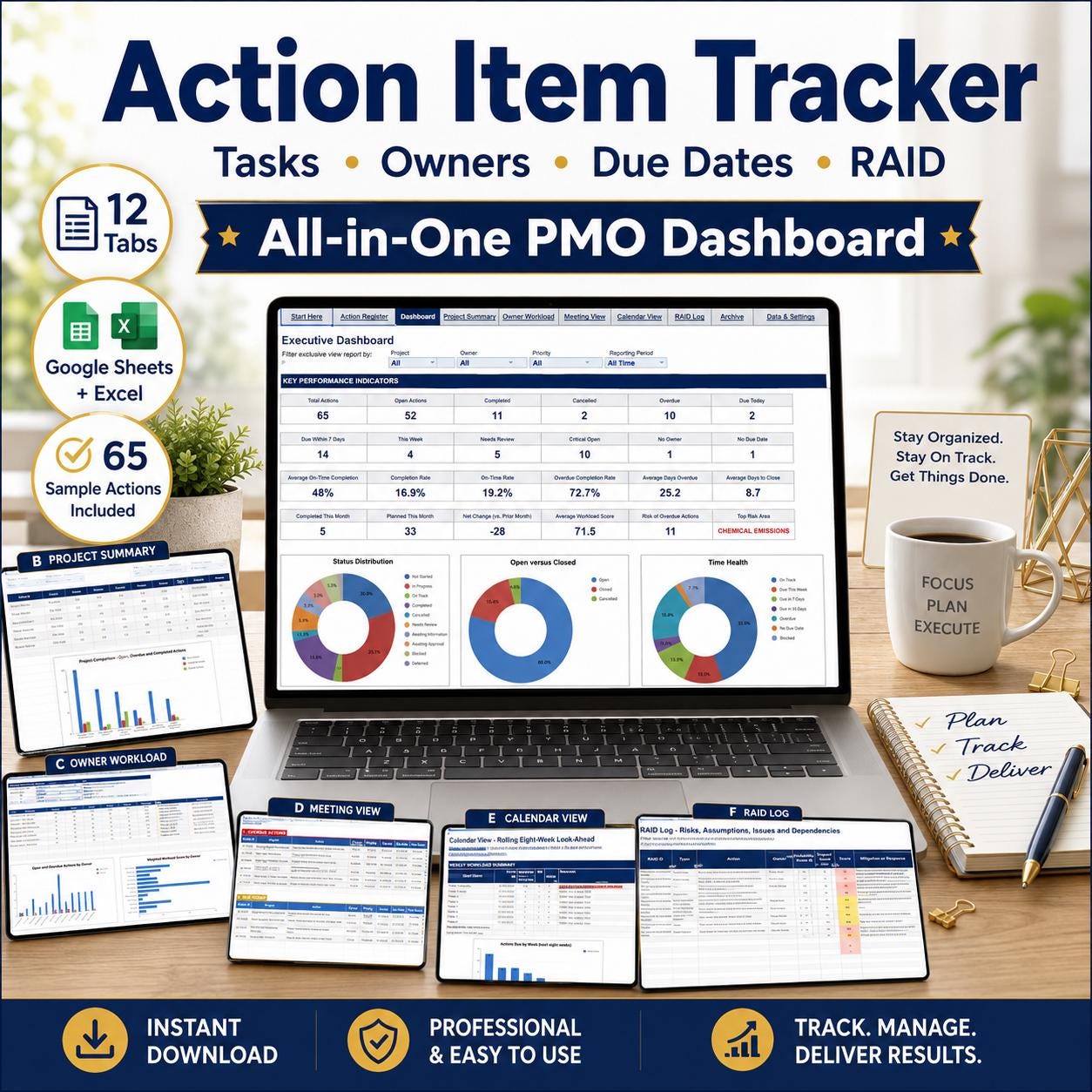
The Action Item Tracker Spreadsheet is a ready-to-use 12-tab Google Sheets and Excel template for action log, RAID register, team task and project owner dashboard. It is an instant digital download with pre-built formulas, an automated dashboard and step-by-step instructions, so you can start using it in minutes.
Key features
- Action Log
- RAID Register
- Team Task and Project Owner Dashboard
About this template
- Instant access after purchase, no waiting
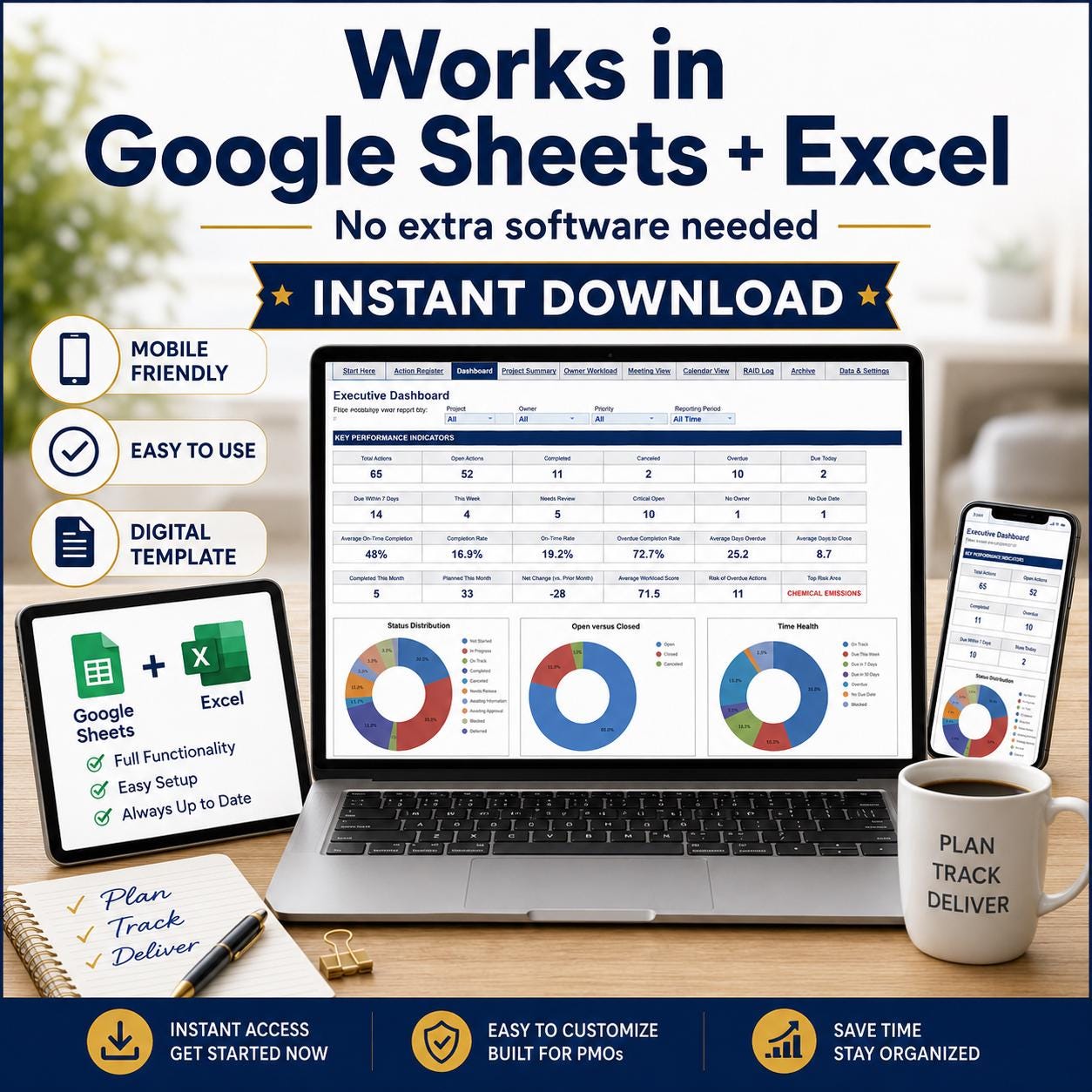
- Works on Google Sheets & Excel, no software needed
- Mobile friendly, use it on your phone too
- Stuck? Message me, I reply personally within a few hours
- Free updates: if I improve this template, you get the new version free
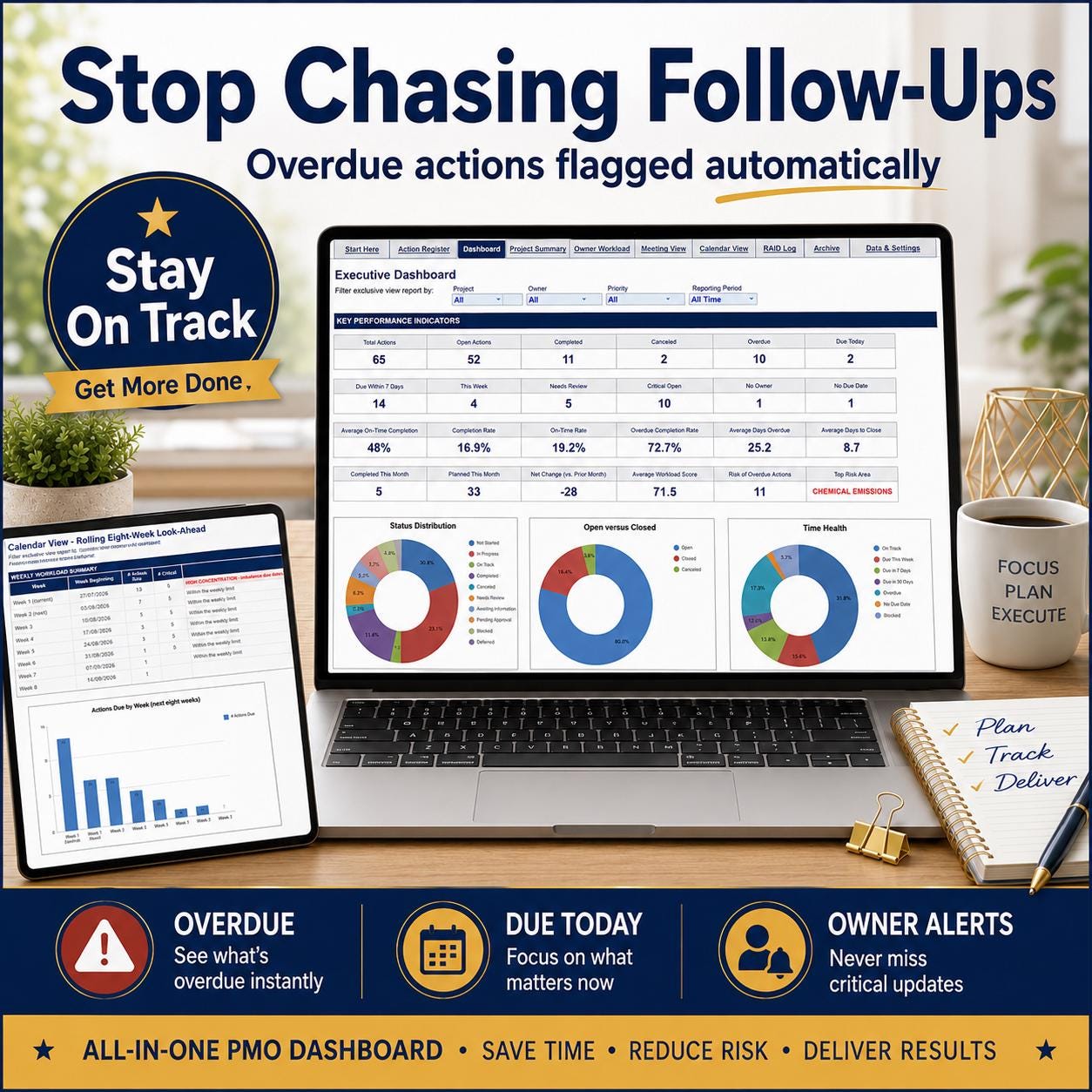
Never lose an action item again. Track every task, owner and due date in one register, see instantly what's overdue and who's overloaded, and pull a clean action list into any meeting. Works in Google Sheets AND Microsoft Excel.
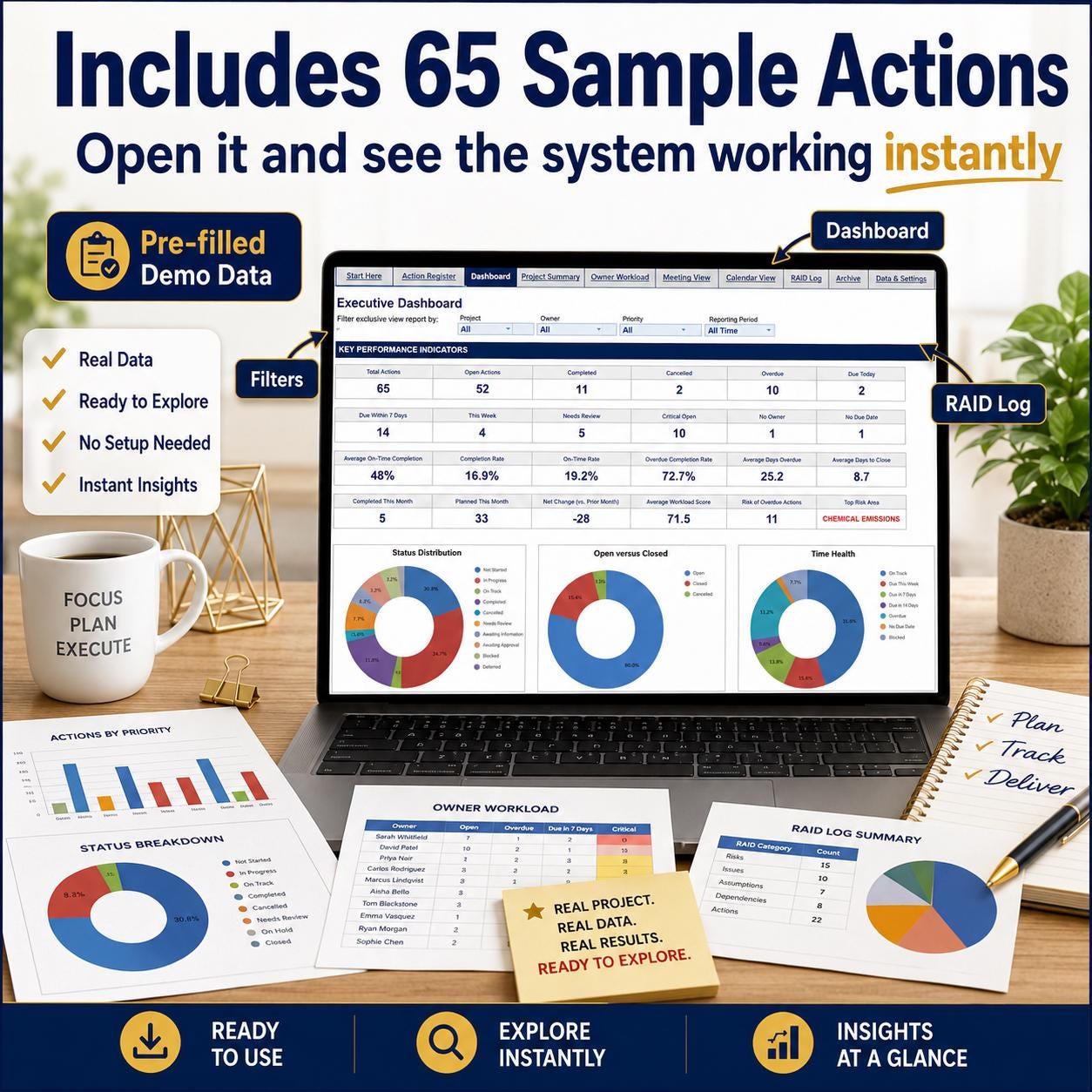
- Comes PRE-FILLED with 65 sample actions so you see the dashboard, filters and RAID log working the moment you open it — then clear it and add your own.
Built for project managers, team leads, PMOs, business owners and anyone who runs meetings and needs the follow-ups to actually get done.
What makes it different
- OWNER WORKLOAD VIEW — one row per person with a workload score and warnings, so you can see who's buried before they burn out.
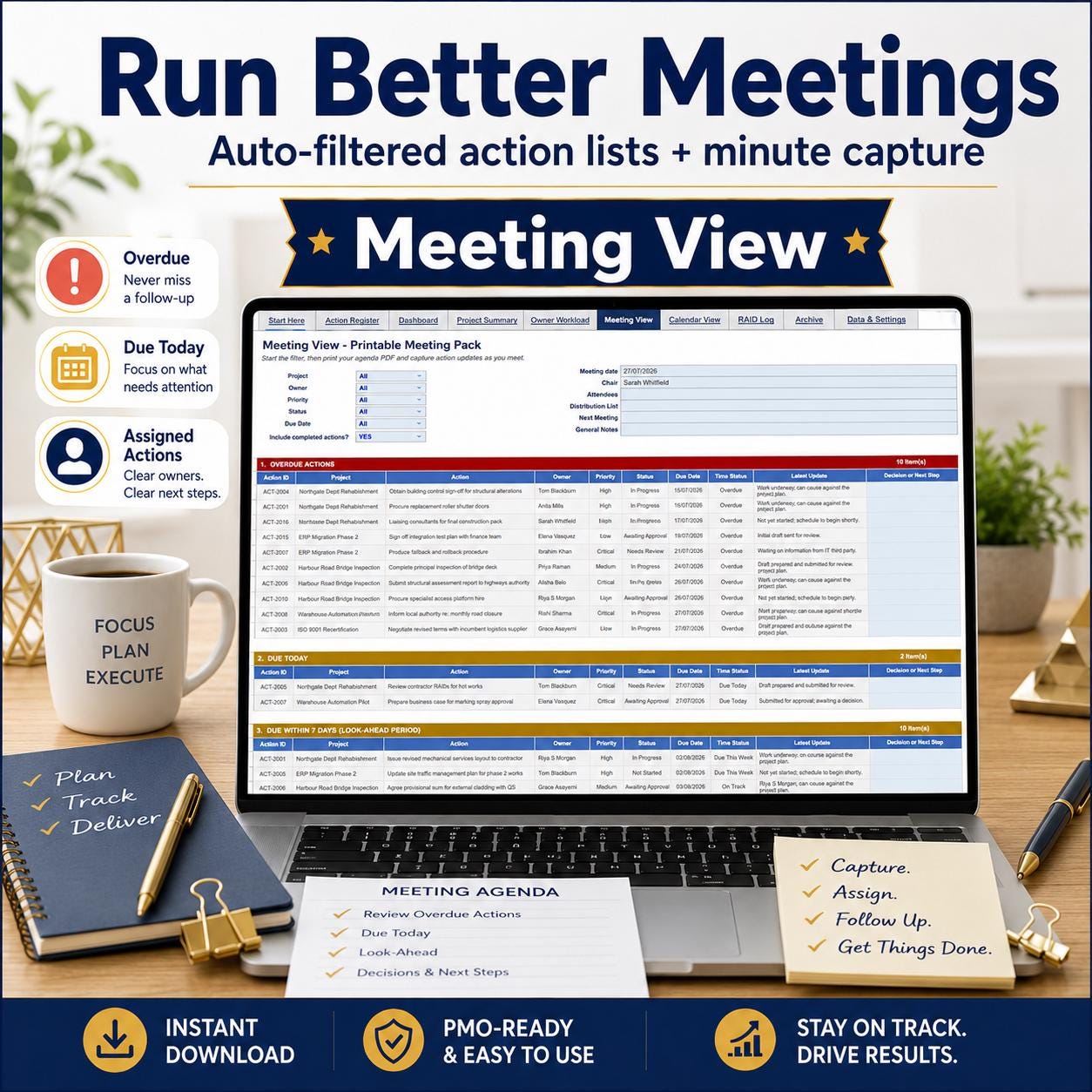
- MEETING VIEW — auto-filtered action sections plus space to capture minutes, so meetings end with clear, assigned actions.
- RAID LOG BUILT IN — risks, assumptions, issues and dependencies alongside your actions, not in a separate file.
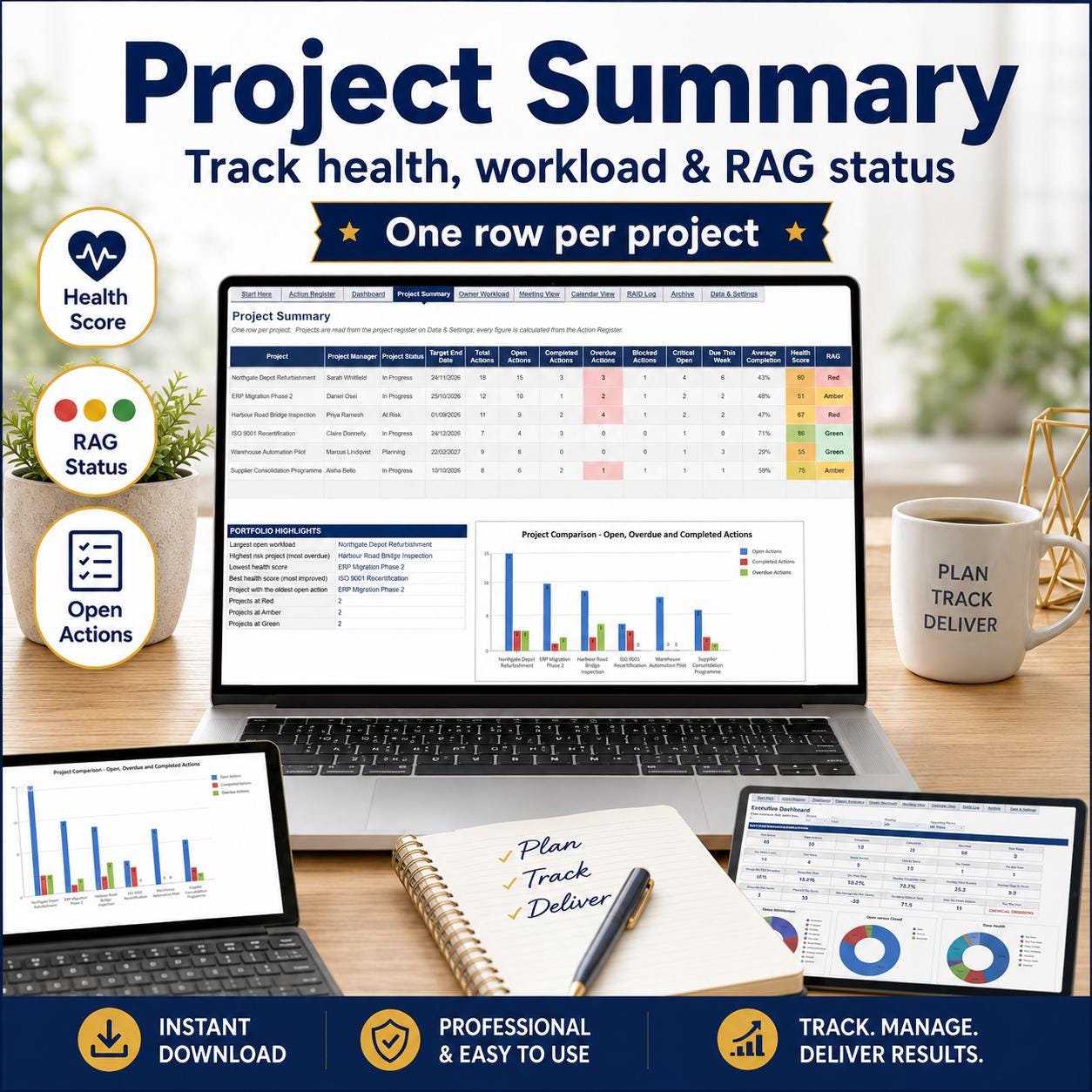
- PROJECT HEALTH & RAG STATUS — one row per project with a health score and red/amber/green status.
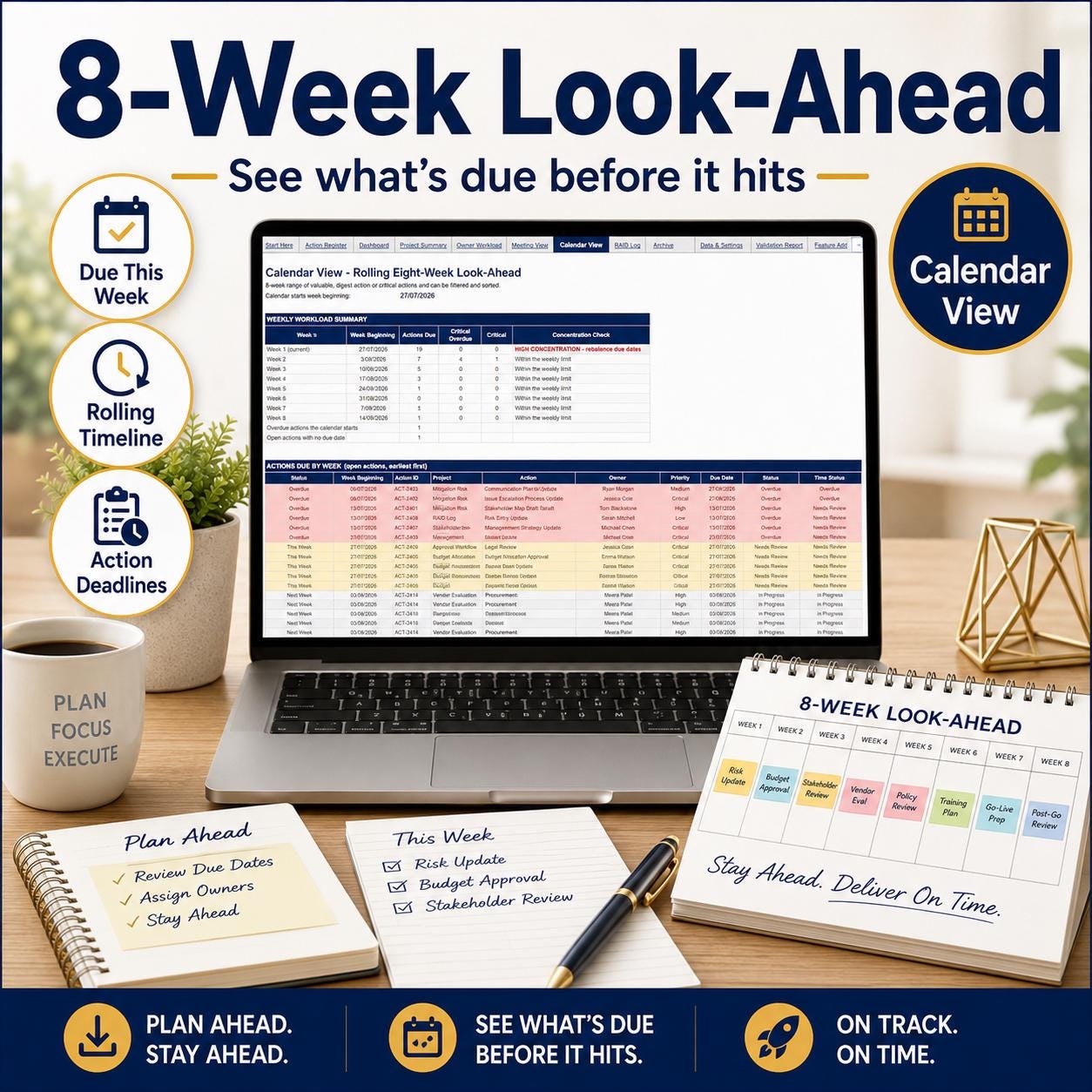
- 8-WEEK LOOK-AHEAD — a rolling calendar of what's due, so nothing sneaks up.
All 12 tabs
- Start Here — instructions, legend, quick start
- Action Register — the main register (holds up to 300 actions)
- Dashboard — 24 KPIs, 10 charts, 5 filters
- Project Summary — health score and RAG per project
- Owner Workload — workload score and warnings per person
- Meeting View — auto-filtered actions plus minute capture
- Calendar View — rolling 8-week due-date look-ahead
- RAID Log — risks, assumptions, issues, dependencies
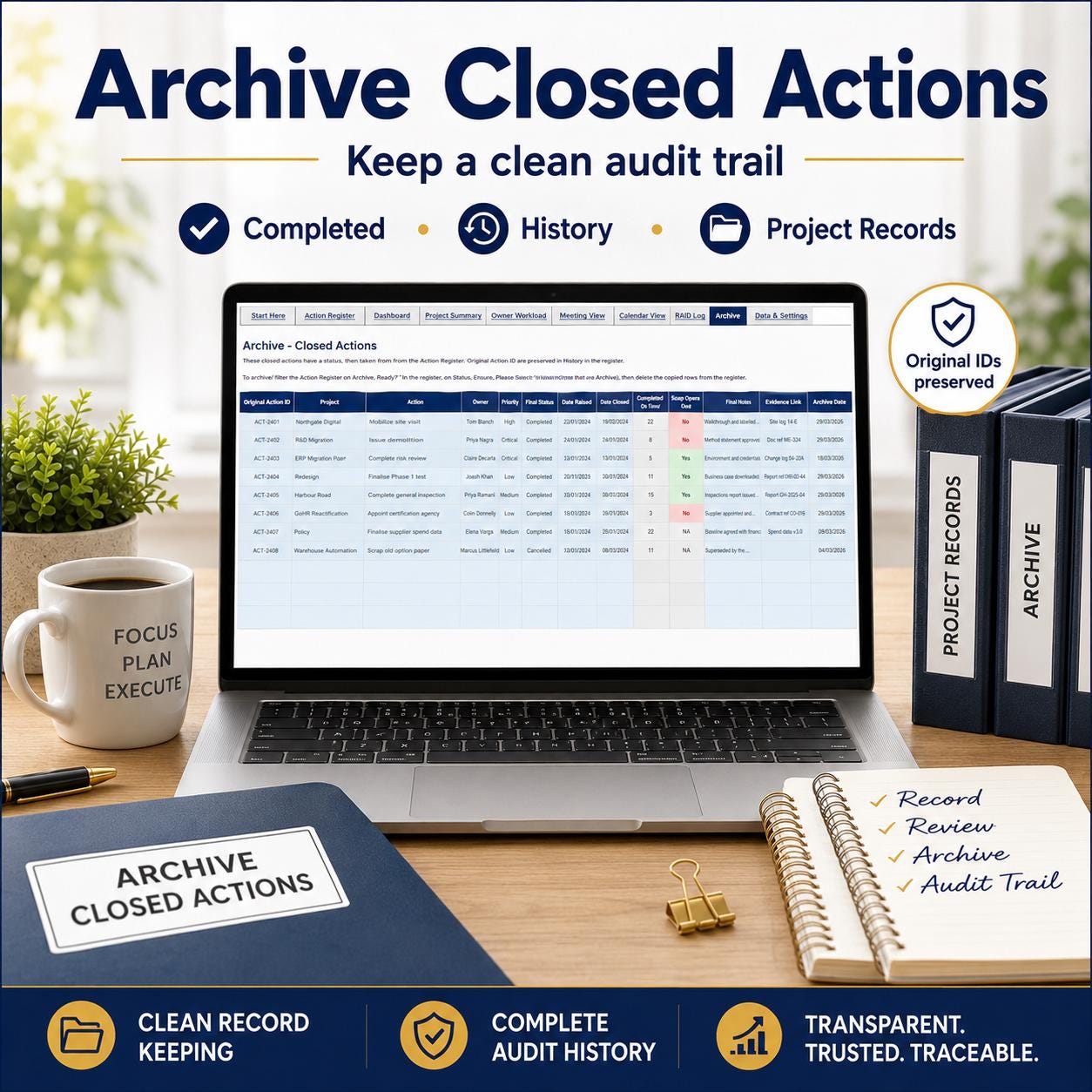
- Archive — closed actions with original IDs preserved
- Data & Settings — projects, team, dropdowns, thresholds
- Validation Report — 23 data checks and QA tests
- Extra Features — the full feature list
Why it works
- Overdue actions and overloaded owners flagged automatically
- Every action has an owner, a due date and a status — nothing slips
- Pull a ready action list straight into your next meeting
- Actions and RAID in one place, not scattered across files
- One-time purchase, use it across every project, forever
How it works
- Buy and download instantly — you receive a PDF with your access links
- Open the Google Sheets copy link OR the Excel file
- Explore the sample actions, then clear them and add your own — the dashboard updates itself
Important notes
- Digital download only — no physical item shipped
- Google Sheets and Excel both included
- Free Google account required for Google Sheets version
- Personal use only — no reselling or redistribution
- Some formula cells protected to keep automatic calculations working
- Records only what you enter — it does not sync with other apps
Access after purchase
Refund policy
Digital downloads cannot be refunded once accessed. Message the shop with any issue — every problem resolved personally with unlimited support.
What you receive
- Microsoft Excel workbook (.xlsx)
- Google Sheets copy link
- Built-in How to Use instructions
This is a digital download. No physical item will be shipped.


Reviews
There are no reviews yet.