





Description
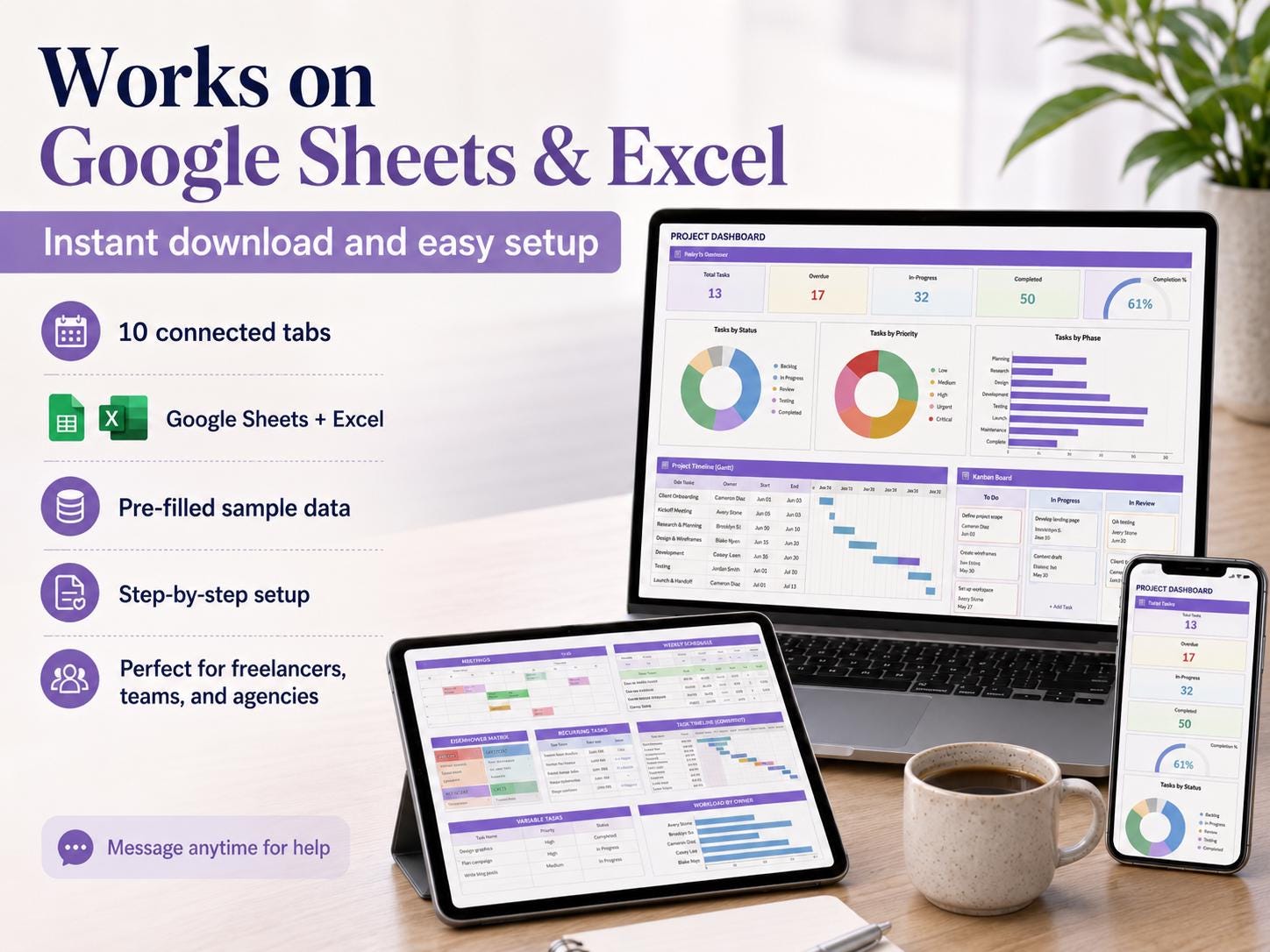
The Project Management Spreadsheet with Gantt & Kanban is a ready-to-use 10-tab Google Sheets and Excel template for project tracker planner gantt chart kanban board and eisenhower matrix task manager. It is an instant digital download with pre-built formulas, an automated dashboard and step-by-step instructions, so you can start using it in minutes.
Key features
- Project Tracker Planner Gantt Chart Kanban Board
- Eisenhower Matrix Task Manager
About this template
- Instant access after purchase no waiting
- Works on Google Sheets & Excel, no software needed
- Mobile friendly use it on your phone too
- Stuck? Message me, I reply personally within a few hours
- Free updates if I improve this template you get the new version free
- Project Management Spreadsheet | All-in-One Task & Team Planner
Take full control of your projects with this all-in-one Project Management Spreadsheet built for Google Sheets and Excel.
This powerful system helps you plan, track, and manage projects with clarity using tools like Gantt charts, Kanban boards, the Eisenhower Matrix, dashboards, and automated tracking.
Everything is connected in one place, so you can manage tasks, timelines, and team workload without switching between tools.
- Why This Project Tracker Works
Managing projects across multiple tools creates confusion and delays.
This spreadsheet helps you
- Track all tasks and projects in one system
- Visualize timelines with Gantt charts
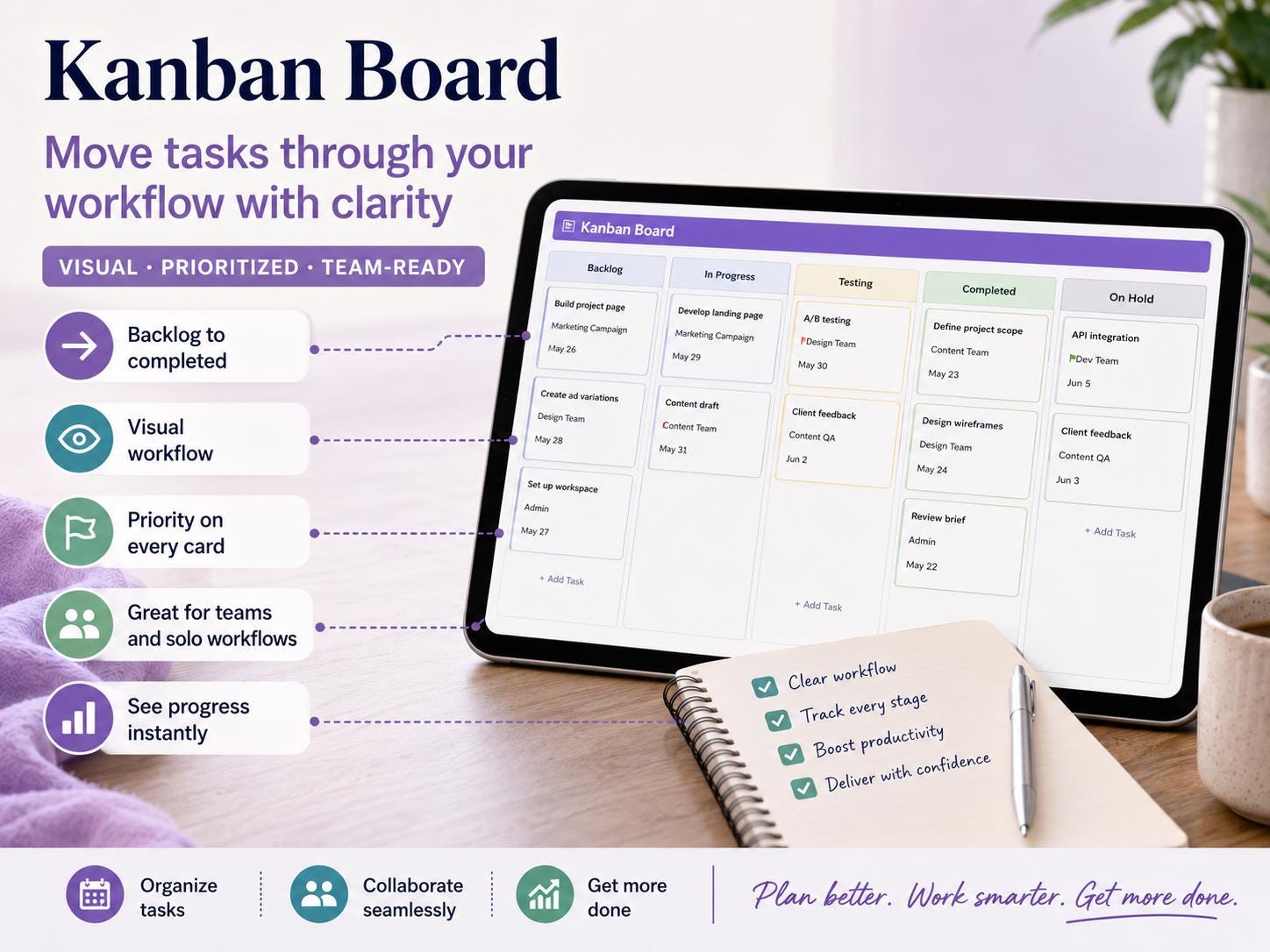
- Manage workflow using Kanban board
- Prioritize tasks using the Eisenhower Matrix
- Monitor progress with automated dashboards
- Stay organized and avoid missed deadlines
- Built for real project workflows, not basic trackers
- Key Features
- Task Tracker with status, priority, and deadlines
- Gantt Chart for timeline planning
- Kanban Board for workflow management
- Eisenhower Matrix for task prioritization
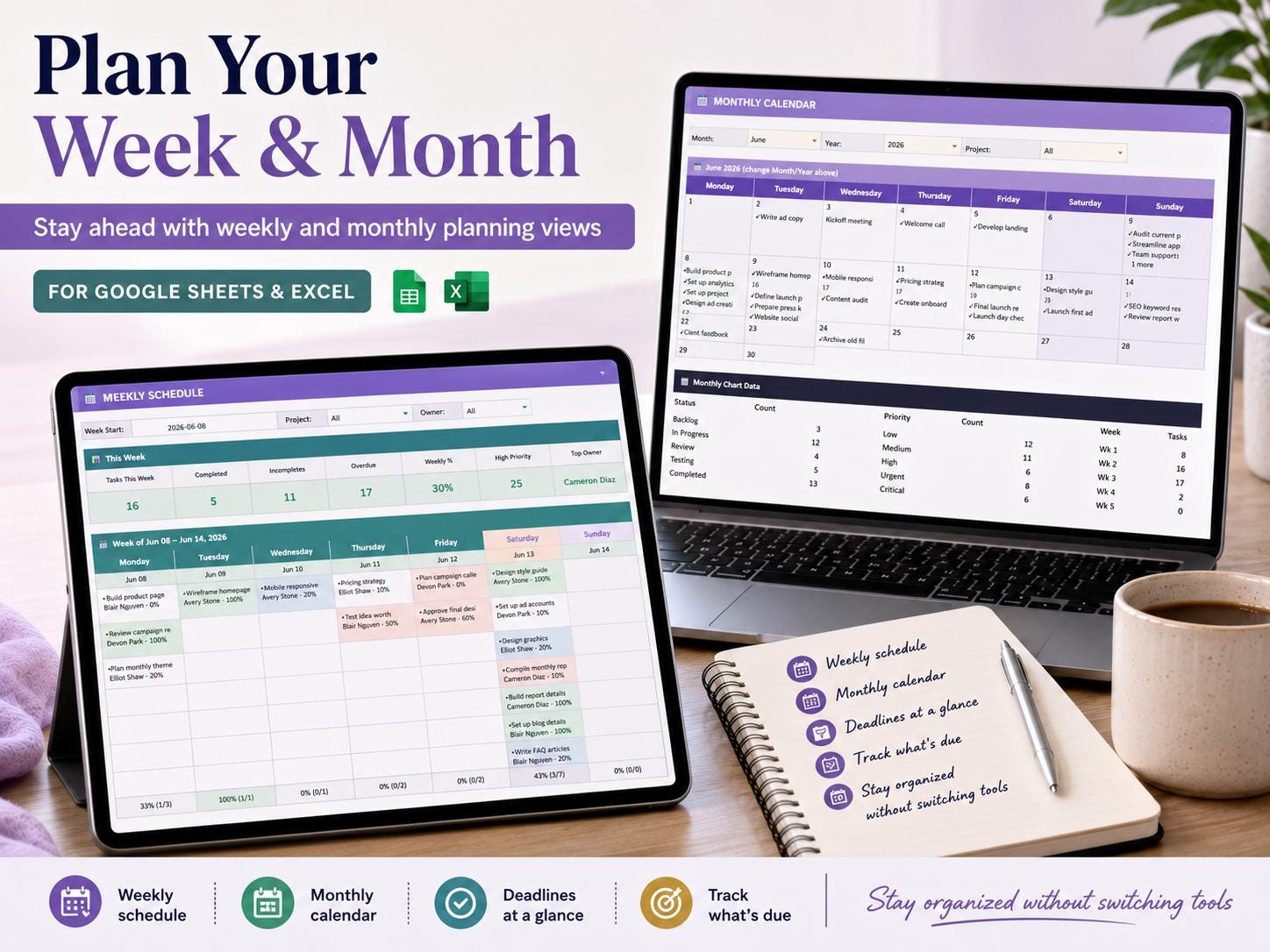
- Weekly and Monthly planning views
- Automated Dashboard with insights and metrics
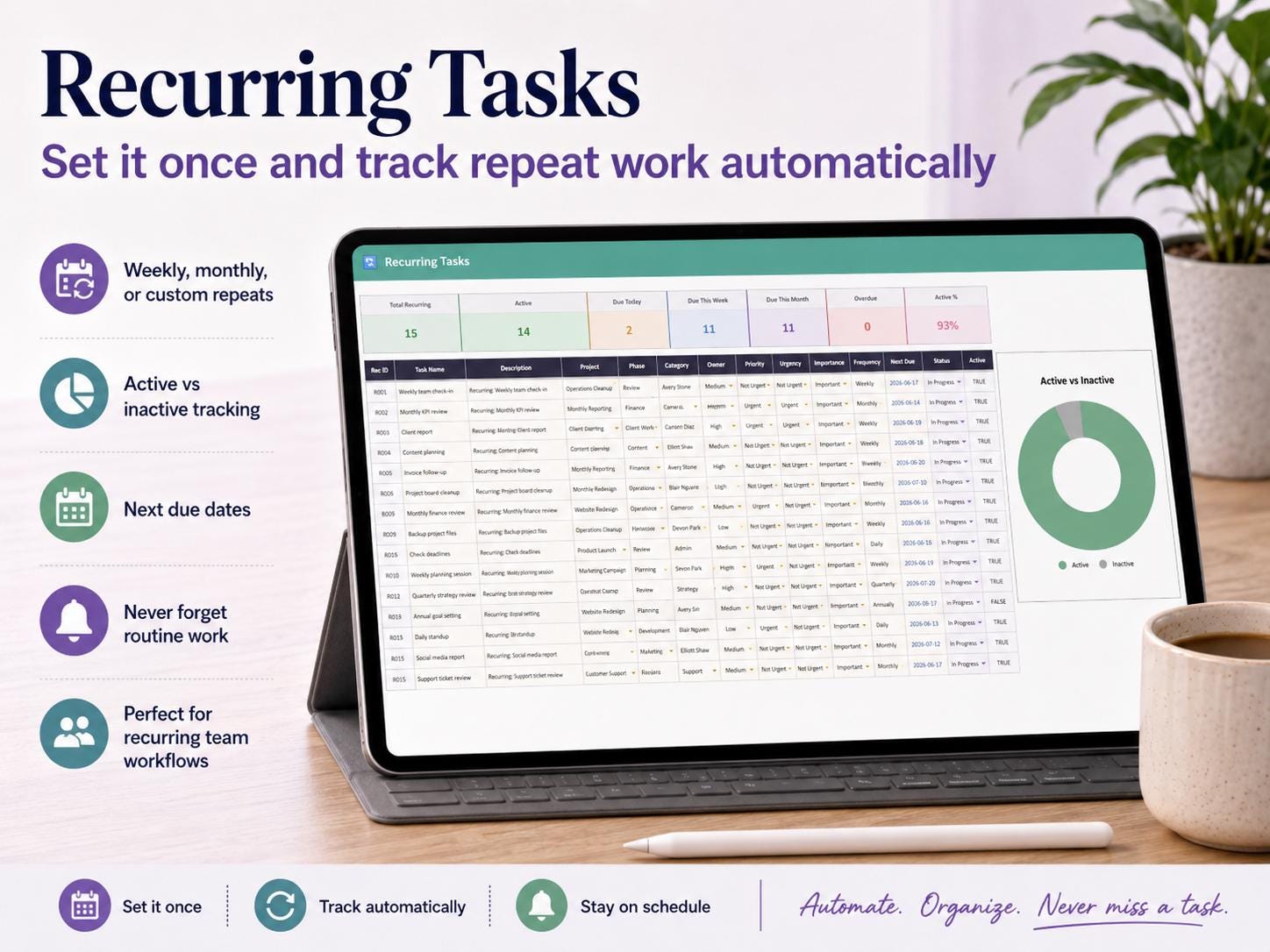
- Recurring task tracking
- Project progress and workload tracking
- Clean and easy-to-use layout
10 tabs included
- Setup
- Variable Tasks
- Recurring Tasks
- Task Schedule
- Gantt Chart
- Kanban Board
- Eisenhower Decision Matrix
- Weekly Schedule
- Monthly Calendar
- All-in-One Project Dashboard
What you will receive
- PDF file with access link to your template
- Google Sheets version
- Excel version (Microsoft 365)
- Pre-filled sample data
- Step-by-step setup instructions
- Fully automated formulas and dashboard
What you need
- Google account (for Google Sheets) OR Excel 365
- Laptop, tablet, or mobile device
- Basic spreadsheet knowledge
How it works
Download your files after purchase
Open the PDF and access your tracker
Make a copy in Google Sheets or open in Excel
Start managing your projects
- Perfect For
- Freelancers
- Small business owners
- Project managers
- Teams and startups
- Consultants and agencies
- Anyone managing multiple projects
Important notes
- This is a digital download; no physical item will be shipped
- Works with Google Sheets and Excel 365 only
- Older Excel versions may not support all features
- Some cells are locked to protect formulas
- Colors may vary slightly depending on your device
- For personal use only, resale or sharing is not allowed
Refund policy
Digital downloads cannot be refunded once accessed. Message the shop immediately with any issue — every problem resolved personally and promptly.
- Support
Need help? You can message anytime and get proper support.
- Stay Organized & Manage Projects Efficiently
Plan tasks, track progress, and manage your workflow with a system designed to keep everything clear and organized.
Download your Project Management Spreadsheet today and simplify your work.
What you receive
- Microsoft Excel workbook (.xlsx)
- Google Sheets copy link
- Built-in How to Use instructions
This is a digital download. No physical item will be shipped.


Reviews
There are no reviews yet.